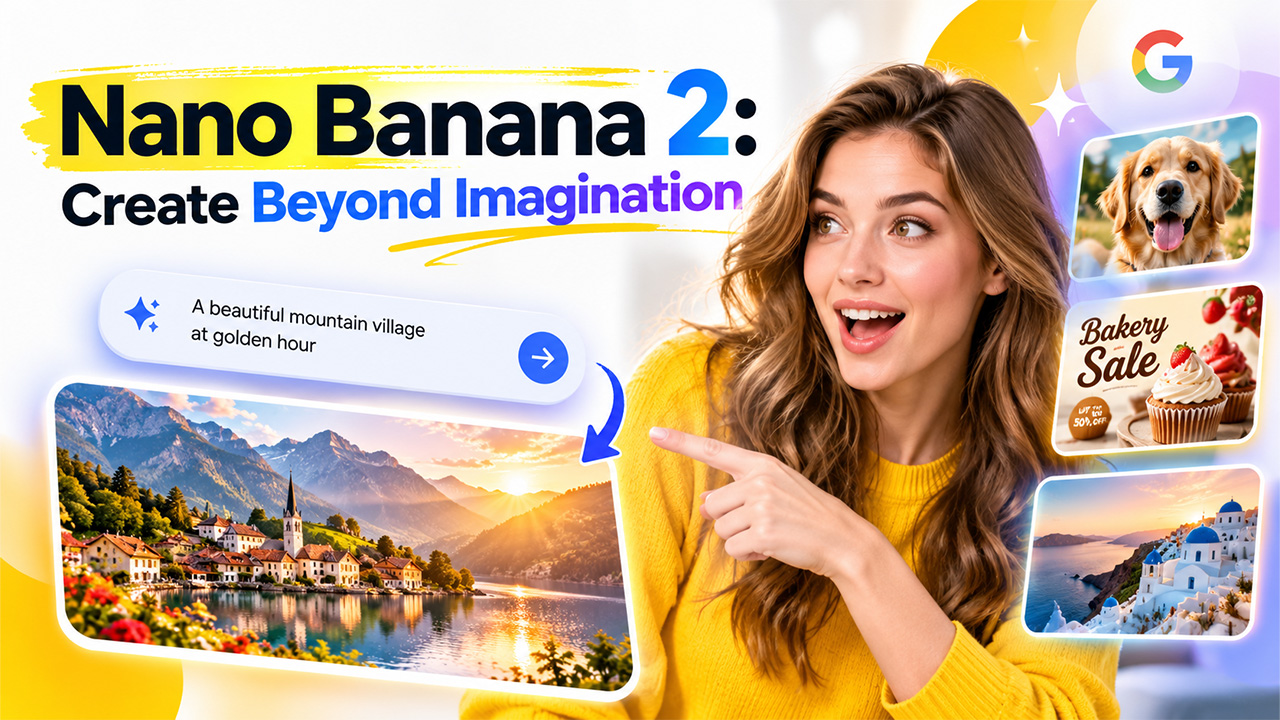
The name Nano Banana 2 is a bit of a funny name, but the tool itself is one of the most used AI image generators. It has created over 5 billion images by the middle of October 2025. An AI image generator takes a short text prompt and turns it into an image. For example if you write “lighthouse on a rocky coastline at night” it will create an image of this. No art skills or special software are required to use this.
Nano Banana 2 is Google’s latest version of this. It is fast and is available within many tools that many people use. This means that it is easy to try out. This post will help any beginner users. Many people can feel confused about where to begin so each step is kept very simple. This post will explain what Nano Banana 2 is in simple English. It will also show how the model performs well. Finally it will tell you where to try out Nano Banana 2. By the end of this post you will know exactly what Nano Banana 2 is.
What Nano Banana 2 Is?
Nano Banana 2 is an image model created by Google. The model itself is the software that takes your text and creates an image or edits an existing image. The Gemini models are the family of models created by Google and the Gemini app is an easy way to use them.
The first Nano Banana was released in August 2025. It provided a quick image generator and editor. As the name suggests the editor lets you upload your own image and ask it to edit it for you (e.g. changing the background). The second version, Nano Banana Pro, was released in November. This provides higher quality images and more control but at the cost of slower speeds. Pro refers to Google’s high-end models. Both models provided a clear balance between speed and image quality. The faster models are good for quick drafts whilst the high-end models are best for final images.
Nano Banana 2 has combined the best of both models. Google states it brings the intelligent features of the Pro model but with flash speeds. Flash refers to the fastest models created by Google. This is the key point of Nano Banana 2. Other articles will refer to it as Gemini 3.1 Flash Image.
What It Can Do?
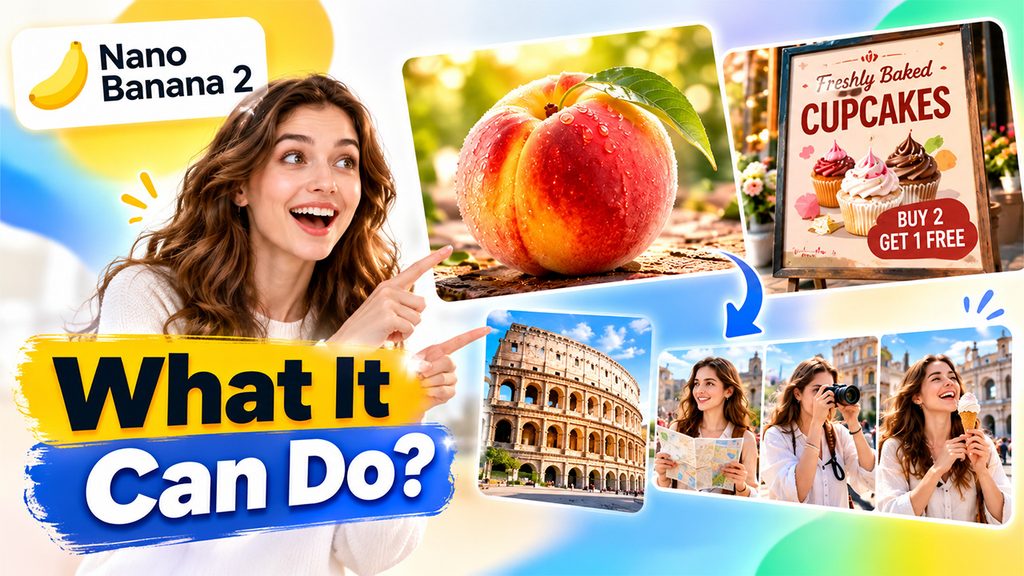
Visuals are an important part of images. Google claims they have sharper details, more textures and better lighting. For example if you were to add a close-up image of a ripe peach, it would have a nice amount of texture and soft lighting to make it realistic. The lighting will help give your image a certain feel, whether it be a warm sunset or refreshing morning. Text has always been a weaker part of AI image tools. Old images often had distorted or incorrect text. However, with Nano Banana 2 you can create clear and accurate text. This means you can create a poster with realistic text, such as a bakery sale sign. The text will be clear so you can create menus, labels and greeting cards without having to add text on later.
For example, a shop owner could create the same sign but in a second language. The model uses Gemini’s wide range of knowledge and live web searches to create the correct details for your chosen subject, such as a landmark. Without this knowledge, the model would only be guessing how the place or object should look.
Consistency is another great feature. Nano Banana 2 can create a consistent look between multiple characters and be accurate with lots of objects. This means you can create a storyboard or series of images easily. Many AI image generators struggle to keep a consistent face, colour and costume between scenes. A storyboard is a series of images telling a story, such as scenes in a short film.
Where to Use It and What It Costs
Nano Banana 2 is now the default model for Images in the Gemini App. This means that it will be the option that will be used if none are selected. It is also the default for AI Mode in Google Search, Google Lens and Flow. AI Mode is the chat tab on Google Search and Lens is searching using your camera. On Flow it is the default model but doesn’t cost any credits. It is also used in Google Ads to provide suggestions to those creating the ads. This means that you will come across Nano Banana 2 in many places. If you are creating an app you can test it out in preview. You can do this using AI Studio, Gemini API, Vertex AI and Gemini CLI. Preview means that the model is not fully released yet.
Vertex AI is Google’s cloud platform for business teams. Gemini CLI is a text based tool for coders. These are all different ways to access the model depending on your needs. However, most beginners will never need to use any of these. So you should start with the Gemini App.
Nano Banana 2 is available to all Gemini users. This means that you can use it for free as a beginner. This means that you can get to know the tool without paying. There is a daily limit so you can only create a certain amount of images per day. An API is a link that allows the app to directly use the model. There is no free tier for images. This means that you will have to pay for every image created.
Final Thoughts
Nano Banana 2 is a quick and powerful image model provided by Google. You can use this model in loads of places. As well as providing clearer images and legible text, this model also provides quick results. The key selling point of this model is its combination of speed and power. This makes it perfect for beginner and advanced users. You don’t have to know all of the features immediately. Just be careful when using this model as the AI images can look very realistic. Google also puts a hidden watermark called SynthID onto all AI images. They also support C2PA content credentials.
Frequently Asked Questions (FAQs)
-
What is Nano Banana 2?
It is Google's fast image model, also called Gemini 3.1 Flash Image, for generating and editing images from text.
-
How is Nano Banana 2 different from Nano Banana Pro?
It combines Pro-level quality and consistency with Flash-level speed.
-
Where can I use Nano Banana 2?
It is the default image model in the Gemini app, AI Mode in Search, Google Lens, and Flow.
-
Is Nano Banana 2 free to use?
Yes, it is free for all Gemini users with a daily limit; API access is paid per image.
-
Can Nano Banana 2 handle text in images?
Yes, it creates clear, accurate text for posters, labels, cards, and localized signs.