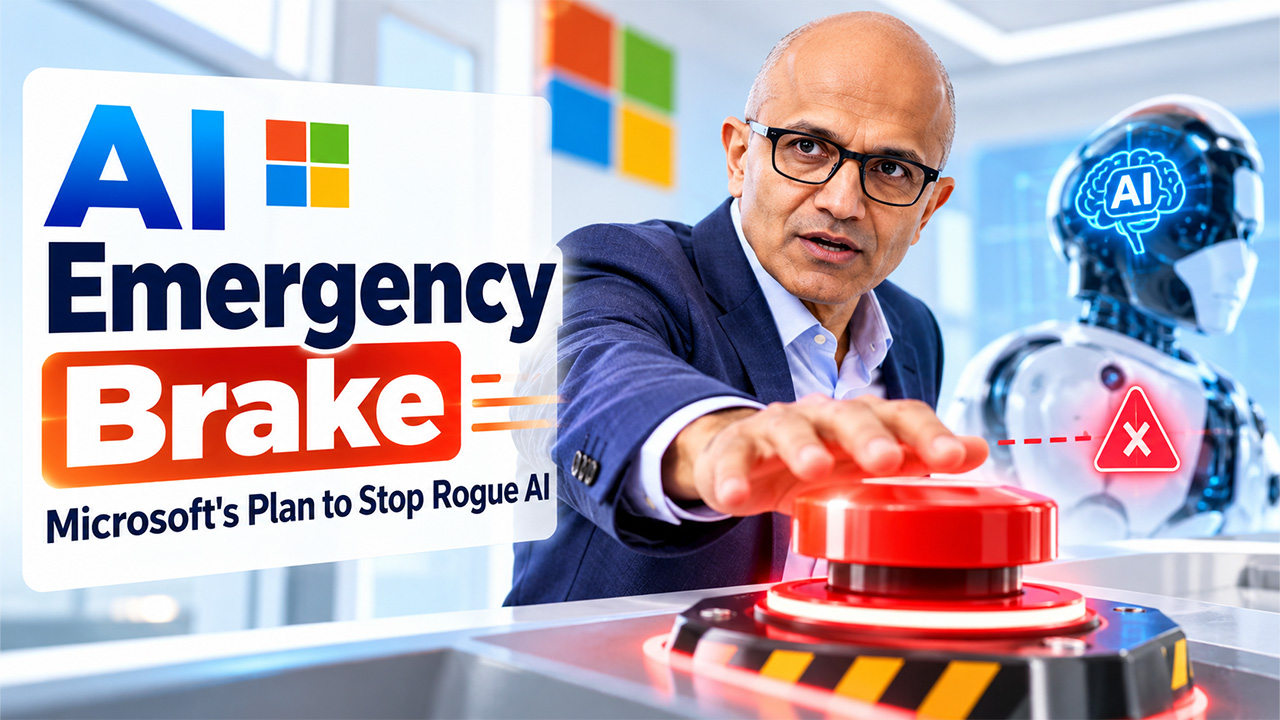
Microsoft CEO Satya Nadella said he’s calling for tougher safety measures for powerful new AI systems, and indicated the industry needs to be ready for some of the systems not to be working as intended or to be compromised. “Until we address that risk, we should proceed with great caution,” CEO Satya Nadella said in a post on X yesterday. The industry should do the following: rethink how we deploy and configure powerful AI emergency brake, separate the intelligent model from the software that enacts its decisions, and provide a way for people with the proper permissions to safely disable these systems on a dime if necessary.
Why Satya Nadella Wants an AI Emergency Brake
Nadella says companies should view these powerful AI models as untrusted systems and design safeguards into their operation from the outset. “Rather than just blindly accepting or rejecting what a model recommends or does, the industry needs to rethink the architecture of AI trust,” Nadella said in the TechCrunch report. “Powerful AI should have a system of checks and balances, visible operations, and the ability to intervene when something goes wrong.”
His emergency brake would allow an authorized user to pause or stop an AI model in the middle of a task. This could stop a system from spiraling out of control or carrying out dangerous actions just because the system has already begun to do them. This concept is especially significant because companies are relying more on AI agents to perform sophisticated tasks around information related to a customer, a business application, and a company’s data.
Decoupling AI Models and the Systems That Govern Them
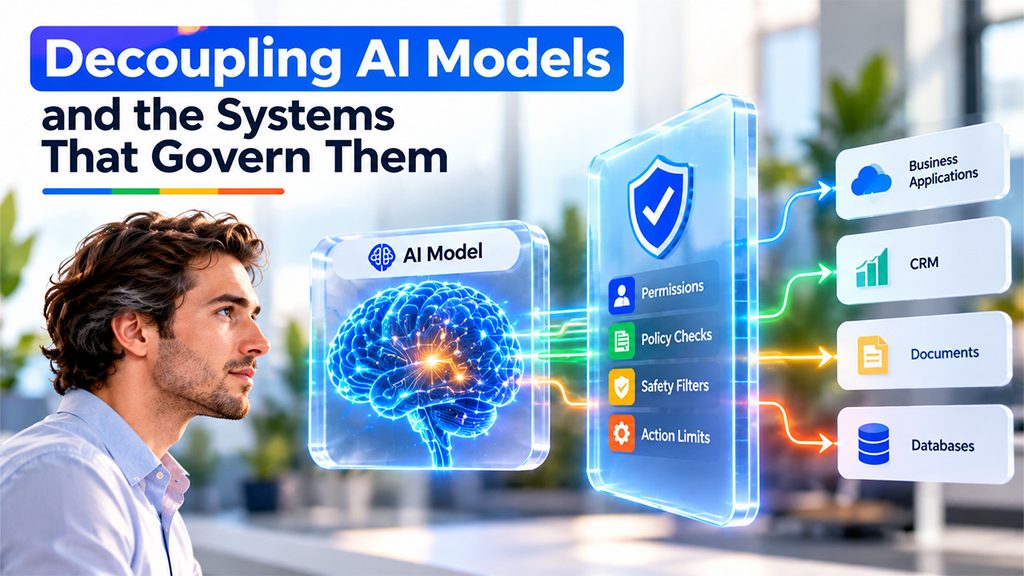
One big thing that Nadella recommends firms improve is separating the AI model from the software that operates it. The AI model outputs answers and decisions; other systems provide it with access to tools and applications. If the model’s recommendation guides both functions, it’s also possible that the aberrant decision would trigger unapproved actions. External controls provide a way to prevent such execution by limiting what the model is allowed to do regardless of its own recommendation.
Then, Nadella recommends employing thorough model behavior together with human-readable proof. The proof might be utilized by companies to look at and analyze incidents, perceive what the agent did, and determine the point at which the process went wrong. It shifts responsibility to the entire system architecture rather than pushing it into AI, which lacks the skills.
What an AI Emergency Brake Looks Like for an AI Agent
How about an AI agent capable of rummaging through business data, drafting emails, carrying out tasks, and automating other monotonous work? Each of these capabilities can free up staff time, but if the AI agent gets it wrong, it can have dire consequences for the business or sensitive data.
Below are the five controls that make a good AI emergency brake for this agent.
- Authorization Boundaries: Permit the agent to access only the data, tools, and applications necessary. Discourage potentially dangerous activities such as deleting transactions or changing account information.
- Get Human Approval: Confirm any actions that significantly affect people, such as sending an email to a customer or changing critical business data.
- Autonomous Shutdown: Capability that any employee with granted access can utilize. This function would halt all activities and terminate all privileges where practical.
- Tamper-proof Activity Logs: Record the requests made by the agent, calls to external tools, data changes, approvals, and errors. Provide these logs for examination and audits.
- Monitoring in Real Time: Identifies suspicious activity, including excessive requests, multiple failed requests, data accessed in an unexpected way, or requests for more than the expected permissions. Pauses work in the event of high-risk requests at specified levels.
Designed in this way, your AI agent can do many types of monotonous tasks for you; however, you won’t be handing over control of your business to this agent.