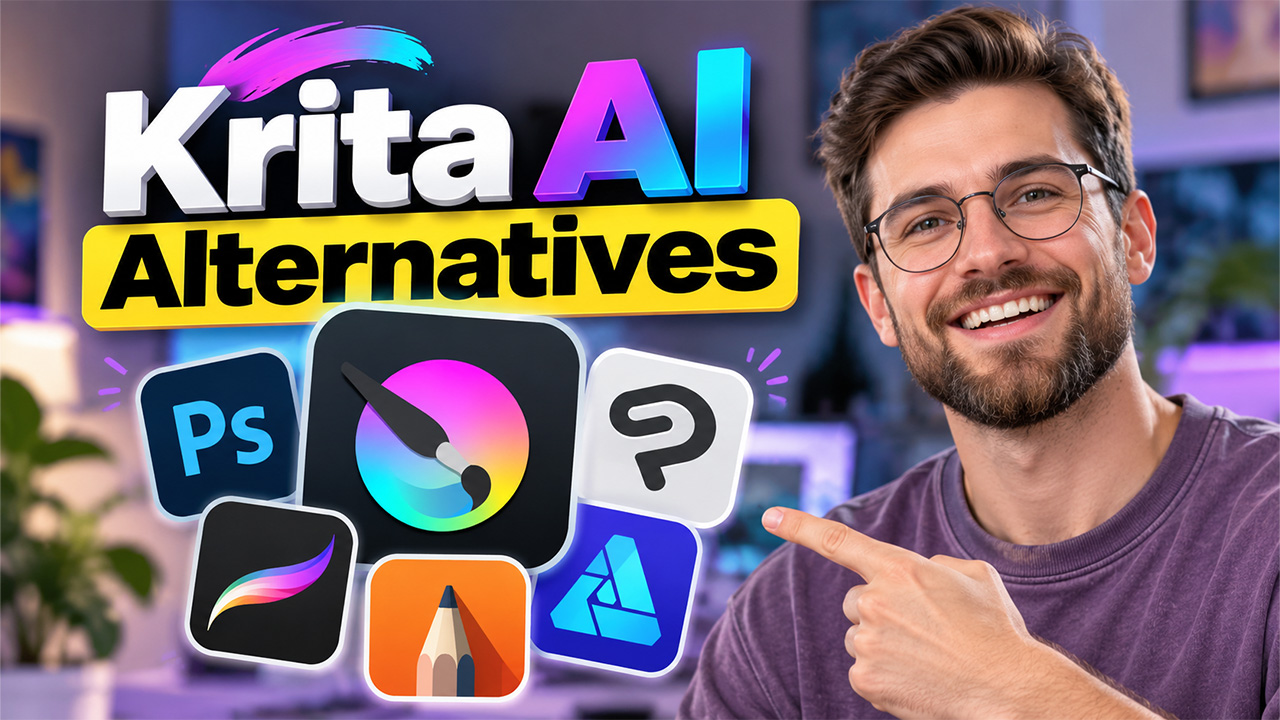
The guide explores the top 5 alternatives to Krita AI for digital artists in 2026 and states the features, benefits, limitations, and use cases of each of them.
With the introduction of artificial intelligence, digital art has witnessed dramatic changes in the past few years. While traditional drawing and painting software remains essential for many artists, artificial intelligence adds new possibilities for creating, editing, and refining artwork. The AI-powered tool can also help artists generate concepts, transform sketches, remove backgrounds, upscale images, and experiment with styles in a fraction of the time.
Krita is among the most popular platforms that utilizeKrita AI capabilities for digital painting, illustration, concept art, and animation. However, artists are also looking for a more efficient and smarter tool that might offer enhanced AI image generation capabilities, along with intelligent editing, text-to-image features, or an easier creative workflow.
What is Krita?
Krita is a free and open-source digital painting and illustration program designed for artists, illustrators, concept artists, comic creators, and animators. The platform offers a wide range of tools, such as Krita AI, for creating artwork from scratch, editing images, and developing professional digital illustrations.
The platform is primarily focused on digital painting and drawing, unlike traditional photo-editing software. Krita offers customizable brushes, layers, masks, blending modes, stabilizers, vector tools, animation features, and other tools that offer artists detailed control over their work.
Key Features of Krita
Some of the most useful features of Krita include:
- Advanced Brush Engine: Create and customize brushes for different painting styles.
- Layers and Masks: Organize artwork and make non-destructive edits.
- Stabilization Tools: Help create smoother lines, particularly illustrations and line art.
- Animation Tools: Create frame-by-frame 2D animations.
- Vector Tools: Add and edit vector-based shapes and elements.
Why are users looking for Krita Alternatives?
Krita is a powerful and free digital painting application, but it cannot be a perfect fit for every artist. With the development of AI-powered creative tools, many users are exploring Krita alternatives that can offer different features, workflows, or easier access to AI-assisted creation.
Some of the main reasons why users look for Krita alternatives are listed below:
Limited Built-In AI Features
One of the major reasons why users are looking for Krita alternatives is the growing demand for AI-powered image generation and editing. Krita is primarily designed for traditional digital painting, rather than a complete built-in generative AI.
Steep Learning Curve
Krita offers a large collection of professional tools, which can be difficult for beginners to navigate first. Users look for a simpler experience with more intuitive interfaces and guided workflows.
Different Creative Workflows
Some users mainly focus on photo editing, concept generation, graphic design, animation, and AI-generated artwork. For such users, another application might offer advanced tools that better match their specific workflows.
Better AI-Assisted Editing
Some modern alternatives to Krita offer advanced AI features for tasks such as removing objects, extending images, replacing backgrounds, generating elements, and enhancing images.
Top Alternatives to Krita
Some of the most popular alternatives to Krita are as follows:
Adobe Photoshop
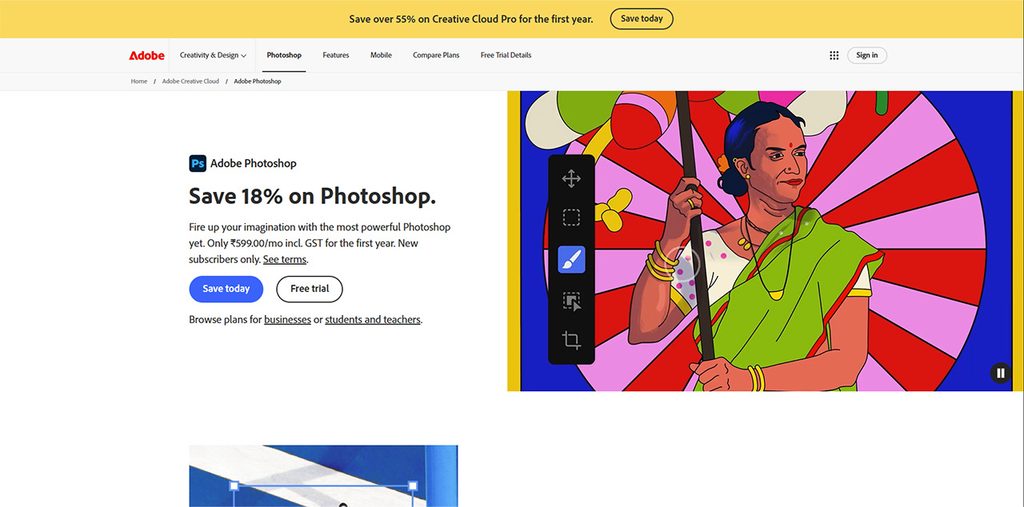
Adobe Photoshop is among the most popular and versatile alternatives to Krita. The platform is traditionally associated with photo editing, but is widely used for digital painting, concept art, illustration, compositing, and graphic design.
Key features:
- Advanced layers, masks, and selections.
- Professional brushes and painting tools.
- AI-assisted image generation and editing.
- Advanced photo retouching.
- Extensive plugin and asset ecosystem.
Benefits:
- Excellent all-around creative toolkit.
- Suitable for both digital art and image editing.
- Strong professional and industry adoption.
- Useful AI-assisted features.
Limitations:
- Can be complicated for beginners.
- Subscription-based.
Ideal For:
- Professional illustration, concept art, photo manipulation, graphic design, compositing, and commercial creative work.
Clip Studio Paint
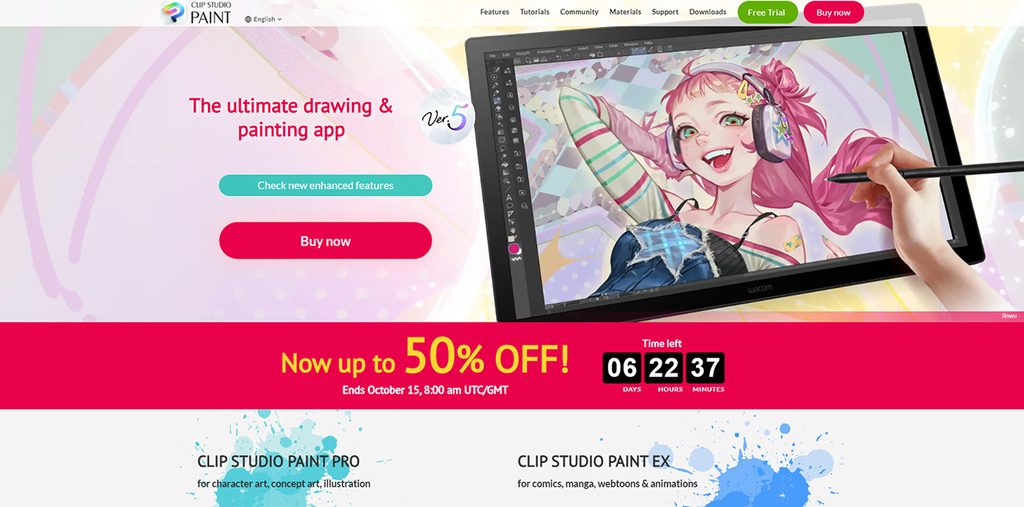
Clip Studio Paint is especially popular among illustrators, comic artists, manga creators, and animators. The platform offers a drawing-focused environment that makes the platform a natural alternative to Krita.
Key features:
- Customizable brushes.
- Vector layers.
- Comic and manga creation tools.
- 3D models and pose references.
Benefits:
- Excellent tools for line art and illustration.
- Particularly strong for comics and manga.
- Useful 3D references.
Limitations:
- The extensive feature set can take time to learn.
- Some users may find the interface overwhelming.
Ideal For
- Manga, comics, webtoons, character art, illustration, storyboarding, and 2D animation.
Procreate
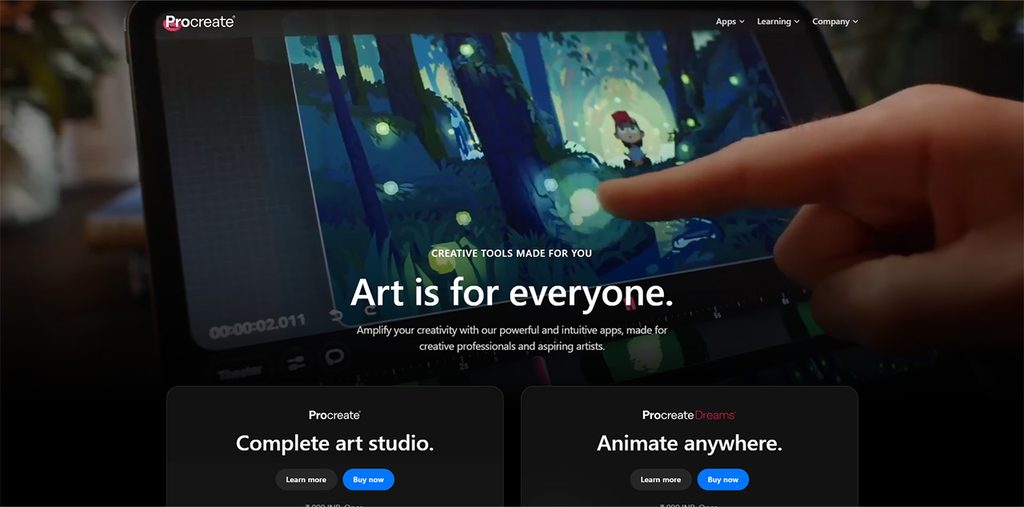
Procreate is considered a popular choice for artists who prefer drawing on an iPad with a stylus. The platform offers a streamlined interface that is designed around direct interaction with the canvas, making it appealing to illustrators who want a portable digital art studio.
Key features:
- Extensive brush library.
- Brush customization.
- Layer-based editing.
- Animation tools.
Benefits:
- Intuitive and relatively easy to learn.
- Excellent drawing experience on iPad.
- Portable workflow.
- Strong performance for illustrations.
Limitations:
- Primarily designed for Apple devices.
- Not a direct desktop replacement for Krita.
Ideal Use:
- Digital illustration, sketching, concept art, character design, lettering, and portable artwork creation.
Autodesk SketchBook
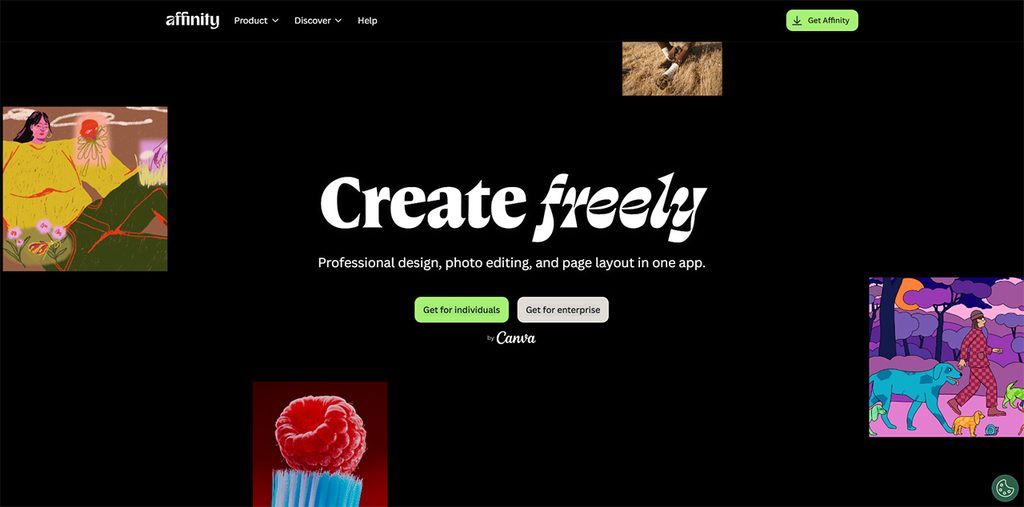
Affinity is considered an option for artists who want a professional creative application without following the traditional workflow. The platform features key tools that are suited to image editing, graphic design, vector work, and creative production.
Key features:
- Raster image editing.
- Vector design capabilities.
- Professional typography tools.
- Layers and masks.
Benefits:
- Combines several creative disciplines.
- Strong alternative for users who need both raster and vector workflows.
- Professional-grade editing capabilities.
Limitations:
- Its workflow is not as specifically focused on digital painting as Krita.
- Artists may need time to learn about the different tools and interfaces.
Ideal Use:
Graphic design, image editing, vector artwork, marketing graphics, illustration, and professional design projects.
Affinity
Autodesk SketchBook is designed around drawing and sketching. The platform features a clean interface, making it attractive to artists who want to concentrate on the canvas instead of navigating a large number of advanced controls.
Key features:
- Customizable brushes.
- Layer support.
- Drawing guides.
- Symmetry tools.
Benefits:
- Simple and intuitive interface.
- Excellent for sketching and ideation.
- Useful perspective and symmetry tools.
Limitations:
- Fewer advanced features than Photoshop.
- Less specialized for comics than Clip Studio Paint.
Ideal Use:
- Sketching, concept development, product design, storyboarding, and quick digital drawings.
Choosing the Right Krita Alternative
Choosing the right Krita alternative mainly depends on what the user wants to create and how they prefer to work. Some of the key factors to consider before making a choice are as follows:
- Consider Primary Art Style: Before choosing an alternative to Krita, the user should identify the type of artwork they create most often. If the user mainly creates digital paintings, sketches, and illustrations, a drawing-focused application can be considered a good fit.
- Evaluate AI Capability: If AI-assisted creation is among the major priorities of the users, they should consider platforms that provide built-in generative features.
- Compare Ease of Use: Users should also compare the ease of use of all available alternatives. Beginners may prefer applications with a clean interface and straightforward tools, while more experienced artists may be comfortable with a complex workspace.
Conclusion
Choosing the best Krita alternative largely depends on the creative goals, preferred workflow, and need for AI-assisted features of the artists. Platforms like Photoshop offer a powerful all-around toolkit; Clip Studio Paint excels for comics and illustration. Similarly, Procreate is considered ideal for iPad-based artists, and SketchBook offers a simple environment for sketching and ideation. Platforms like Affinity are also considered strong options for users who need a combination of faster and vector design tools. For artists and creators exploring AI-powered design workflows, Looka AI can also be considered for generating branding and visual design ideas. Artists should compare features, ease of use, AI capabilities, and compatibility with their workflow to select the most ideal alternative that supports their creative workflow.
Frequently Asked Questions
What should I consider before switching from Krita to another digital art software
Before switching from Krita, artists should consider the software’s brush and layer systems, AI capabilities, file compatibility, device support, learning curve, pricing, and available creative tools.
Are there Krita alternatives available for iPad?
Yes. Procreate is specifically designed for iPad and provides a drawing-focused experience with customizable brushes, layers, and animation tools.
Can I use Krita alternatives for professional digital art?
Yes. Applications such as Photoshop and Clip Studio Paint are widely suited to professional creative workflows.
Is there a better alternative to Krita for digital painting?
Yes. Several alternatives can work well for digital painting. Photoshop offers advanced painting and editing tools, while Procreate provides a streamlined drawing experience on iPad.