If you’ve ever spent an entire evening trimming clips, hunting for music, and still ended up with a video you didn’t love, you’ll understand why tools like Pippit AI are getting so much attention. It promises to turn a simple idea, a product link, or a short prompt into a ready-to-post video in minutes. But does it actually deliver? In this guide, we’ll walk through what the platform does, how it works, what it costs, and who it really suits, so you can decide before you spend a single credit.
What Is Pippit AI?
Pippit AI is a creative and marketing platform built by the CapCut team. It started out mainly as a video tool for online sellers, especially people making product videos for TikTok Shop and similar marketplaces. Over time, it has grown into something broader. Today it groups its tools around video generation, image generation, avatars, publishing, and licensed assets, so one account can cover most of a small content workflow.
The big idea is simple: you give it text, images, or a product link, and the AI handles the heavy lifting. You still make the creative decisions, but you skip a lot of the repetitive editing.
Pippit AI Features: What You Actually Get
Let’s go through the Pippit AI features that matter most in day-to-day use.
Agent Mode and one-click video creation. You describe what you want, and the assistant builds a complete video from that single prompt, including script, visuals, and captions. It’s the feature most people try first, and it’s where the time savings are biggest. If you’d like to compare how multi-model video platforms handle the same idea, Pollo AI is worth a look.
Image Studio. This part of the platform handles product photos, background removal, image edits, and batch editing. For anyone running an online shop, that can replace a few separate apps.
AI avatars and voiceovers. Instead of filming yourself, you can pick a digital presenter to deliver your message. It’s handy for explainers, ads, and short training clips, and it works well if you’d rather stay off camera.
Publishing and scheduling. You can export your work or publish straight to social platforms, and the built-in scheduling helps you stay consistent without juggling extra tools.
Licensed assets and templates. The platform includes music, templates, and stock material so you’re not scrambling for files. Still, read the usage terms before using anything in paid campaigns.
How Pippit AI Works: Step by Step
Getting started is easier than most editing software. Here’s the basic flow:
- Sign up or log in. Create an account, or use your existing one (more on that in the next section).
- Choose what to create. Pick a video, an image, or an avatar project from the dashboard.
- Add your input. Type a prompt, paste a product link, or upload your own photos and clips.
- Let the AI generate a draft. Within a few minutes you’ll have a first version with visuals, text, and audio.
- Edit and polish. Tweak the script, swap scenes, adjust captions, or change the voice until it feels like yours.
- Export or publish. Download the file or send it directly to your social channels.
A small tip: the more specific your prompt is, the less editing you’ll need later. “Short video for a stainless steel water bottle, upbeat tone, aimed at gym-goers” will beat “make a bottle video” every time.
Pippit AI Login: How to Access Your Account
The Pippit AI login process is quick. Head to the official website, click the sign-in or get-started button, and choose a sign-in option. Depending on the day, that may include email or a social account, so check what’s shown on the screen. New users can usually start on the free plan without entering card details.
If you can’t get in, the usual fixes work: check your password, clear your browser cache, or try another browser. And always make sure you’re on the official site, since fake login pages are common for popular tools.
Pippit AI Pricing: Plans, Credits, and What to Expect
Here’s where you need to read carefully. Pippit AI pricing follows a subscription-plus-credits model. Reviewers describe tiers such as Free, Starter, Plus, and Pro, and the exact price and credit allowance can differ by country, billing period, or current promotion.
What does that mean in practice?
- The free plan is great for testing, but credits can run out quickly, and exports may carry a watermark.
- Paid plans unlock more credits, higher limits, and more premium features.
- Credits are the real cost. Video generation, avatars, and some advanced models use more credits than simple edits, so your true monthly bill depends on what you make.
Before subscribing, check the current Pippit AI pricing page and estimate how many videos you’ll create each month. If you’ll only make a few, the free tier or the lowest plan may be plenty.
Who Should Use Pippit AI?
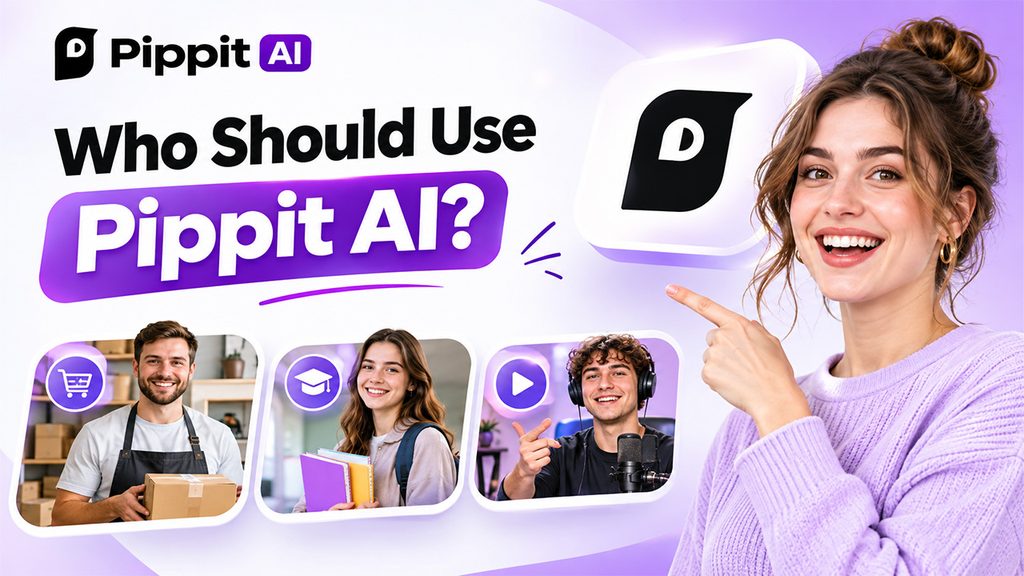
Businesses and online sellers. Small brands can turn product pages into videos and ads quickly, which keeps content flowing without hiring an editor.
Students. It’s useful for presentations, project videos, and creative assignments, especially when time is tight. The free plan is a sensible place to start. If your assignment leans on detailed artwork rather than video, Leonardo AI is a handy image-first option to pair with it.
General creators and everyday users. If you post on social media and want polished clips without learning complicated software, it’s an easy entry point.
Who might look elsewhere? Professional animators and editors who want frame-by-frame control will probably find the manual editing options limited.
Pros and Cons
Pros
- Fast, beginner-friendly video creation
- Strong fit for product and marketing content
- Combines video, images, avatars, and publishing in one place
- Free plan available to try it out
Cons
- Credit system can feel confusing at first
- Free plan limits and watermarks
- Advanced editing controls are limited
- Output may need fine-tuning for a polished final result
Pippit AI Alternatives Worth Comparing
No single tool fits everyone, so it’s smart to compare before you commit. This one is built for practical marketing content, so if you’re after something different, like chatting with AI characters and exploring creative prompts, FlowGPT AI offers a community-driven experience.
And if video is your main goal, try a couple of generators with the same prompt and pick the one whose output feels closest to your brand.
Final Verdict
So, is it worth trying? If you create product videos, social clips, or marketing visuals regularly, Pippit AI can save you real time, and the free plan makes it low-risk to test. Just watch your credit usage and read the plan details before you upgrade. Start small, experiment with a few prompts, and see how it fits your workflow. That’s the best review you’ll ever get.