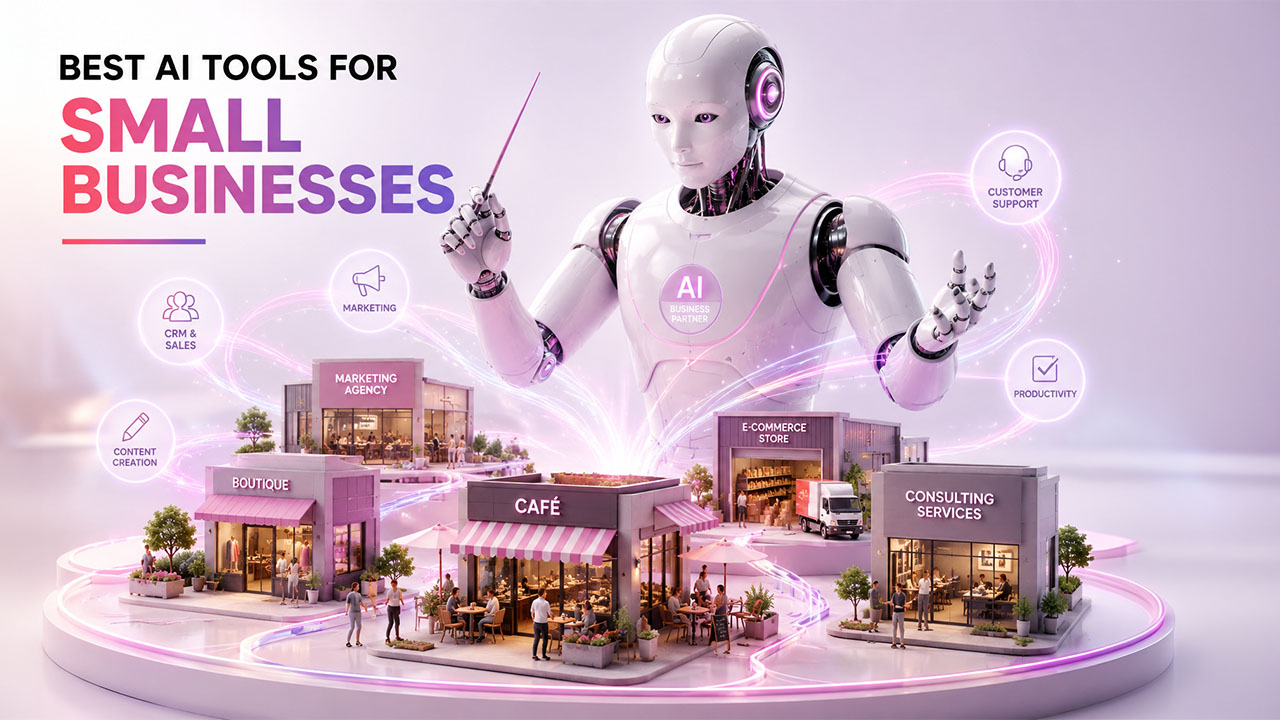
The modern marketplaces move at a lightning speed. For people that manage small businesses, keeping up generally means performing multiple roles, from CEO to customer support agents. This is where technology switches from being a luxury to a necessity. Incorporating Artificial Intelligence (AI) tools for small business operations is no longer about chasing a trend in the future. It is about growth and survival in a competitive landscape.
Artificial Intelligence works as a force multiplier for smaller teams. It manages routine tasks, assesses complex data, and creates tailored experiences on a scale. Business leaders who incorporate smarter solutions find themselves having more time to put impetus on relationship building and strategy. Let us learn about top AI tools for small businesses in 2026.
The Growth of AI Tools in Small Business Niche
We have gone further than the initial hype cycle of AI. Today, AI tools for small businesses are accessible, practical, and essential. In the past, there was a notion that advanced automation and machine learning were the industry of massive enterprises with dedicated data science teams and huge budgets. The barrier to entry has become much easier.
The democratization of AI technology implies that even a small startup with three employees have access to the same AI analytical power as a Fortune 500 company. Some providers have incorporated AI directly into the platforms that businesses use already. This shift has empowered entrepreneurs to incorporate advanced tools without writing a single code. From drafting emails to forecasting trends, AI has become a silent partner in routine operations.
How Small Businesses Can Measure AI Tool ROI
Adding an AI tool is only valuable when it improves something the business actually cares about. Before measuring results, define what success should look like, whether that means reducing repetitive work, responding to customers faster, producing more content, or helping employees spend more time on higher-value tasks.
Start by recording a simple baseline before introducing a new tool. For example, note how much time a team normally spends creating a weekly report or answering routine customer questions. After the tool has been in use for a reasonable period, compare the new results with the original figures.
Cost should also be part of the calculation. Consider subscription fees, setup time, employee training, and any additional services required to connect the tool with your existing workflow. A tool that saves several hours each week may still be difficult to justify if its total operating cost is too high.
Businesses comparing broader options can also explore Top 6 AI Business Solutions to understand how different AI solutions can address separate operational needs. Looking at measurable outcomes rather than features alone makes it easier to decide whether an AI investment deserves a place in the long-term workflow.
Best AI Tools for Small Businesses (Listed by Category)
AI for Customer Relationship Management (CRM)
A powerful customer relationship management (CRM) is one of the most significant tools for small businesses. A robust CRM with AI capabilities does a lot more than just storing contact information. It helps you manage customer relationships and sell actively-
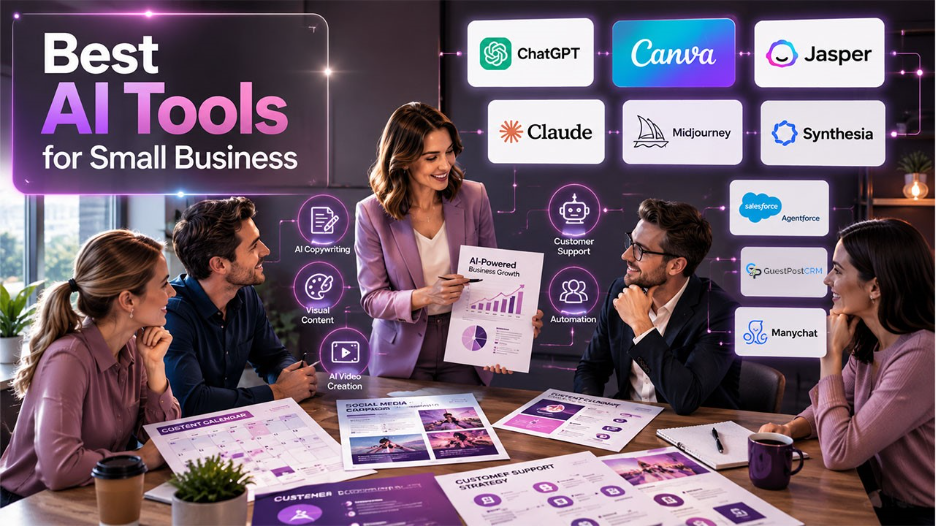
- Salesforce: Salesforce brings enterprise-level power to small businesses who are looking for scalable solutions. AI capabilities are directly embedded in the CRM. Free Suite provides all-in-one service, sales, and marketing and leverages AI for free drafting of email and record summarization.
- HubSpot: HubSpot is well-known for its simple interface. Its AI capabilities, branded as “Breeze”, help users by drafting emails and summarizing customer records to save time on administrative processes. Learn about HubSpot pricing to check whether it is feasible for your business.
- Zoho CRM: Zoho targets small and medium businesses with the help of its AI assistant, “Zia.” Zia provides predictive sales analytics, enabling teams to understand which leads have a higher possibility of conversion and performs sentiment analysis on customer interactions.
- GuestPostCRM: Offered for guest posting and SEO teams, it is a purpose-built solution to simplify guest post inquiry management across the entire funnel. Embedded with AI and machine learning capabilities, it identifies defaulters, automates negotiation,drafts invoices, and sends reminders.
AI for Marketing and Content Creation
Marketing requires consistent effort in content creation. Generative AI tools ensure that your pipeline remains full, avoiding creative fatigue and missed deadlines.
Generative AI for Copywriting
- Jasper AI: It is a writing assistant specifically built for the marketing team. It comprehends brand voices extremely well. Teams utilize it to create blog posts, marketing emails, and ad copy that remains consistent with their brand identity.
- ChatGPT: If there is one tool that has been credited for bringing AI revolution, ChatGPT is your friend whether you want to draft an Upwork proposal, a blog post, or any marketing copy. You can also use it to create an outline of marketing strategies, solve generational operational queries, or brainstorm ideas.
- Copy.ai: This tool is purpose-built for sales and social media teams. It is specialized to create high-converting sales captions, sales copy, and product descriptions quickly.
- Claude AI: Created by Anthropic, Claude AI is quite capable in creating long-form and nuanced content. SaaS marketing teams use it for drafting in-depth blog posts, fine-tuning brand messaging, and managing research-heavy copy.
Visual Content Generators
- Canva: Canva has become an industry-standard designer. Its AI tools enable users to create images from text prompts, magically resize assets for distinct social platforms, and remove backgrounds with the help of a single click.
- Midjourney: For organizations requiring artistic and high-fidelity visuals, Midjourney has emerged as an excellent choice. It creates photorealistic images that can work as unique assets for creative campaigns or websites.
- Synthesia: Video production has always been expensive. Synthesia enables businesses to create professional videos with the help of AI avatars. This is helpful for onboarding, training materials, or explanatory marketing videos without requiring actors or cameras.
Choosing AI Tools for Visual Brand Content
Visual AI can help a small business create marketing assets without making every project dependent on a professional designer. However, the fastest tool is not always the most suitable one. Businesses should consider the type of content they create most often, the level of editing control they need, and whether the final visuals can remain consistent with their brand.
For example, a business producing social media graphics may prioritize templates and quick resizing, while a creative brand may need more control over image generation and editing. Tools that support layered workflows can be especially useful when teams want to generate an idea with AI and then refine the result manually. Platforms such as Krita AI can be relevant to creators who want AI-assisted capabilities alongside a more traditional digital-art workflow.
Consistency should also be part of the decision. Before adopting a visual AI tool, test it with several real business assets rather than judging it from a single example. Check whether the results maintain a similar visual style, whether editing is practical, and whether employees can use the workflow without unnecessary complexity.
AI for Customer Service and Support
Giving a top-quality service is an important differentiator for small businesses. AI customer service software makes sure that no customer query ever goes unanswered.
- AI Chatbots and Virtual Assistants- This is an autonomous AI agent from Salesforce. Agentforce ensures 24/7 support services. It fixes enquiries without intervention from humans while also maintaining a natural tone. It can access CRM data to deliver tailored responses.
- Tidio: Tidio integrates live chat with “Lyro,” which is an AI agent. It is cost-effective and gives contextually relevant responses by learning from the supporting content of business.
- ManyChat: The tool is an ideal option for businesses that depend on social commerce. It automates conversations on platforms such as WhatsApp, Instagram, and Facebook Messenger to capture leads and instantly answer FAQs.
AI for Operations and Productivity
AI productivity tools work as the glue that holds your operations together, making sure that meetings are effective and project stay on track
Meeting Assistants and Note-taking
Otter.ai: Otter connects to meetings to transcribe, record, and summarize discussions in real-time. It makes sure that action items are well-documented so that teams do not miss out on important tasks.
Fireflies.ai: The video incorporates video conferencing solutions to transcribe and record. Its core strength exists in searchability, enabling users to find details from past interactions easily.
Fathom: It is a meeting recorder that users can use for free. It highlights all the important moments during a call and synchronizes summaries directly to a CRM or a Slack channel, making sure that the whole team remains aligned.
Project Management
- Notion: Embedded within the workspace of Notion, the AI assistant aids in organizing notes. It can generate to-do lists, summarize long documents, and brainstorm ideas to keep the projects moving.
- Asana: Asana incorporates AI to assist project managers. It summarizes threads, drafts status updates, and recognizes potential blockers before they can derail your project.
- ClickUp:The AI assistant connects documents, tasks, and people. Users can ask questions about their workspace like “What is current status of the launch?” and get immediate answers based on information on ClickUp.
Conclusion
Selecting the right AI tools for small businesses in 2026 hinges on matching the technology with the actual bottlenecks of your team, whether that is content creation, customer support, or project tracking. From Salesforce and smart CRM features of HubSpot to Otter.ai’s meeting transcriptions to Canva’s design automation, each category provides an entry point that does not need a massive budget or a technical background. Begin small, choose one or two tools that can solve your most pressing issues, and scale up as your business evolves. AI is not here to replace your team but to give them a launch pad to scale their operations and focus on what matters most.
Frequently Asked Questions
What should a small business consider before choosing an AI tool?
Consider the task you want to improve, ease of use, pricing, integrations, data handling, scalability, and the amount of human review required. A tool should solve a specific problem rather than simply add another subscription.
How many AI tools does a small business actually need?
There is no fixed number. Most businesses should start with a small set of tools that address their highest-priority tasks and expand only when there is a clear need. Reducing overlap can also make training and management easier.
Can AI tools replace employees in a small business?
AI tools are generally better viewed as workflow support rather than automatic replacements for employees. They can handle repetitive tasks, generate drafts, organize information, and assist with analysis, while people remain responsible for judgment, accuracy, and important decisions.
Are free AI tools suitable for small businesses?
Free tools can be useful for testing and low-risk tasks, but businesses should review their privacy terms, usage restrictions, storage policies, and available features before using them for sensitive company or customer information.
How can a small business measure whether an AI tool is worth using?
Track practical outcomes such as time saved, output volume, error rates, customer response times, and operating costs. Comparing these results before and after implementation can show whether the tool is delivering useful business value.