The guide explores some of the best AI video generators in 2026, their key strengths, ideal use cases, and who should use them.
With the increasing development of artificial intelligence, the process of video generation has changed dramatically. What used to require expensive cameras, actors, editors, and production teams can now be accomplished with a simple text prompt.
Whether users need to create a video for YouTube, social media reels, product advertisements, training content, cinematic scenes, or marketing videos, AI video generators can significantly reduce the time and cost involved.
What are AI Video Generators?
An AI video generator is a type of software tool that uses artificial intelligence to create videos automatically, with simple text prompts, scripts, images, presentations, or existing content. Instead of recording and editing every part of a video manually, users can describe what they want, and the AI generator tool can generate scenes, visuals, animations, voiceovers, subtitles, and other elements.
The biggest advantage of AI video generators is its speed and convenience. Users can create a video much faster compared to the traditional way of creating it. These tools are also considered useful for beginners who have little editing experience as well as professional marketers, educators, YouTubers, and filmmakers.
Benefits of AI Video Generators
AI video generators help make video creation faster, easier, and more accessible. Some of the key benefits of AI video generators are as follows:
- Faster Video Creation: Traditional video production generally takes hours, especially during scripting, filming, editing, adding voiceovers, and creating captions. AI video generators can automate the entire process and create videos in significantly less time.
Users can also utilize an AI script generator for creating video scripts quickly and efficiently.
- Easy for Beginners: Most AI video generator tools work with simple text prompts, scripts, or templates, allowing beginners to create professional-looking videos without learning complex editing software.
- Lower Production Cost: Artificial intelligence can reduce the need for expensive equipment, studio spaces, actors, voice artists, and large production teams.
- Easy Content Repurposing: AI video tools can help transform existing content into new formats.
Top 5 Best AI Video Generators
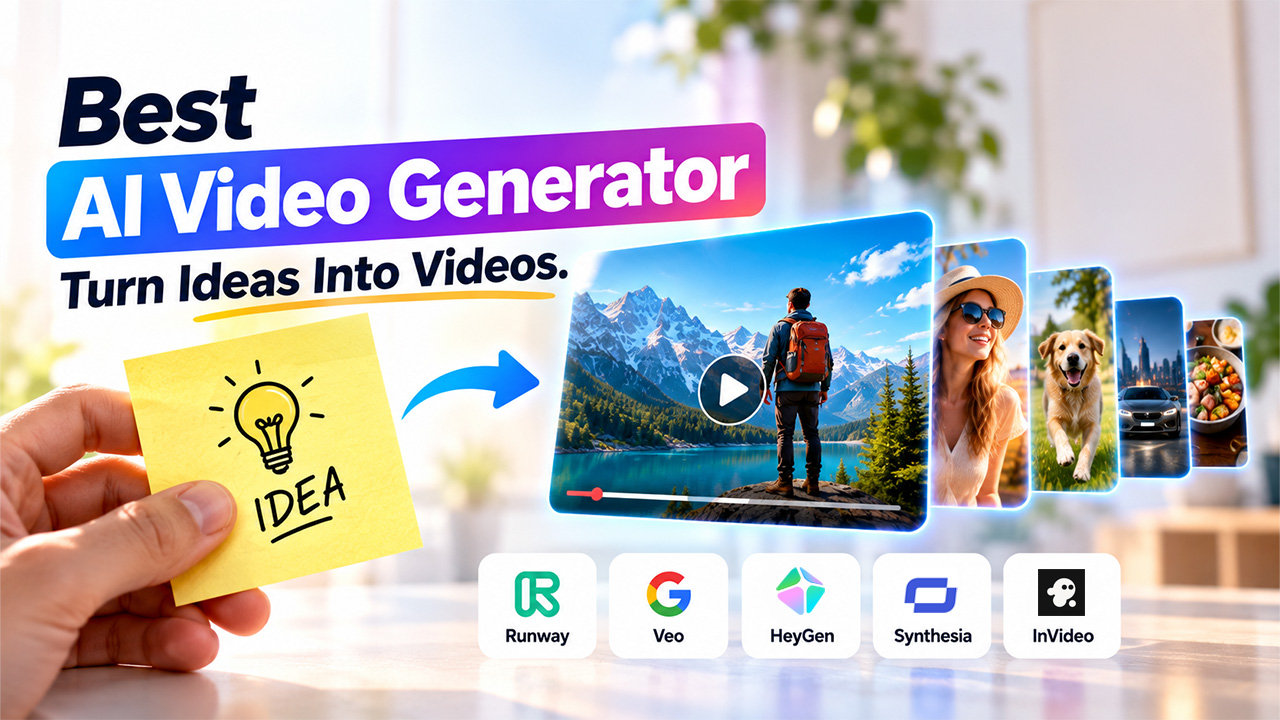
The five best AI video generators in 2026 are as follows:
Runway
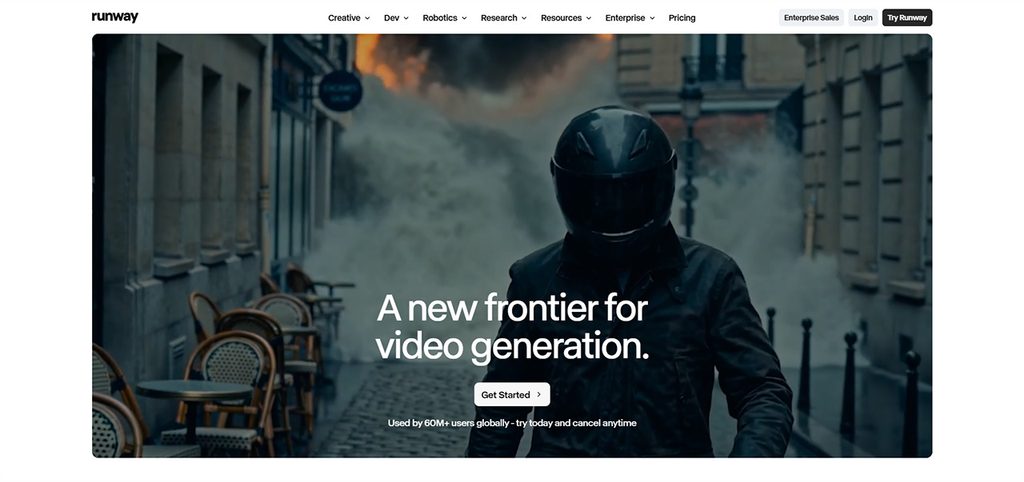
Runway is among the most powerful AI video generators and editing platforms, which are especially designed for creators who want greater control over their visuals. The platform supports text-to-video, image-to-video, video-to-video, AI editing, background replacement, and object removal, among others.
Key features:
- Text-to-video and image-to-video generation.
- AI video editing and visual effects.
- Character and object consistency.
- Background replacement and object removal.
Limitations
- Advanced features can have a learning curve for beginners.
Ideal Usage
- Filmmakers, professional video creators, advertising agencies, VFX artists, and designers.
Google Veo
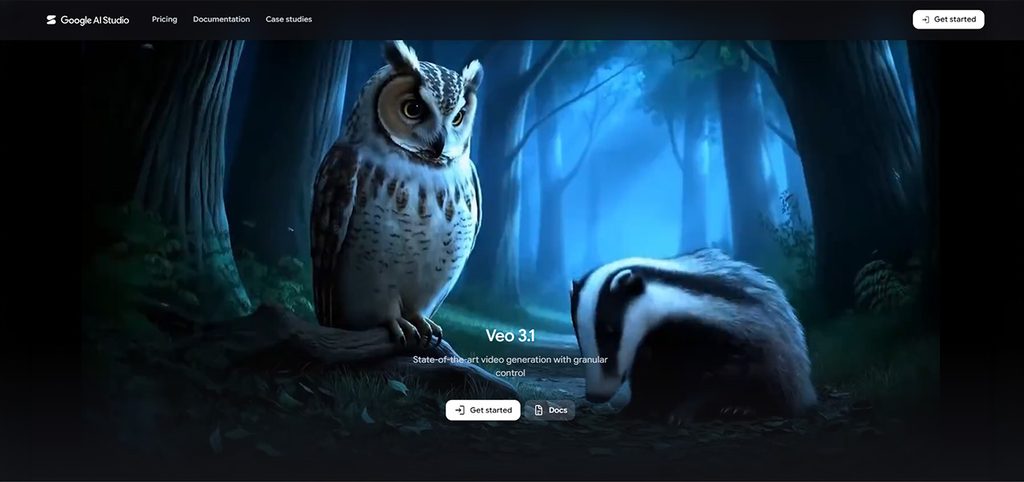
Google Veo is designed to offer high-quality AI video generation, with a strong emphasis on realism, physics, prompt adherence, and creative control. The platform also features enhanced capabilities, such as reference-image-based generation, vertical video creation, and upscaling to 1080p and 4K for supported workflows.
Key features
- High-quality text-to-video generation.
- Image-to-video generation.
- Native audio, dialogue, and sound effects.
- Strong realism and physics.
Limitations
- Getting consistently precise results can require well-written prompts and experimentation.
Ideal Usage
- Filmmakers, storytellers, advertisers, creative professionals, and creators.
HeyGen
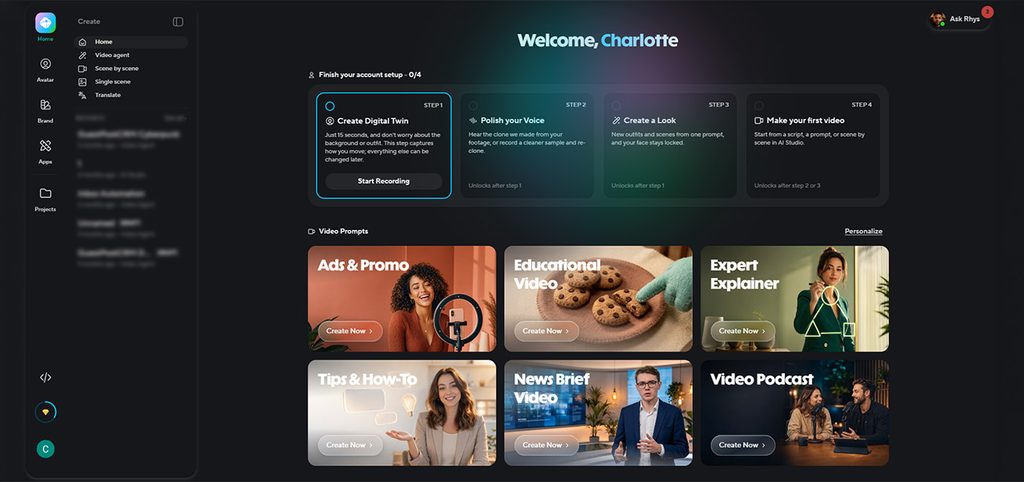
HeyGen mainly focuses on AI avatar and presenter-based video creation. With the platform, users can provide a script and select an avatar or create a digital twin that resembles themselves. The platform is considered especially useful for people who want professional videos without appearing on camera or hiring actors.
Key features
- Realistic AI avatars
- Custom digital twins
- AI voice cloning
- Text-to-avatar video creation
Limitations
- It is more focused on presenter/avatar videos than cinematic scene generation.
Ideal Usage
- YouTubers, marketers, educators, sales teams, businesses, and social media creators.
Synthesia
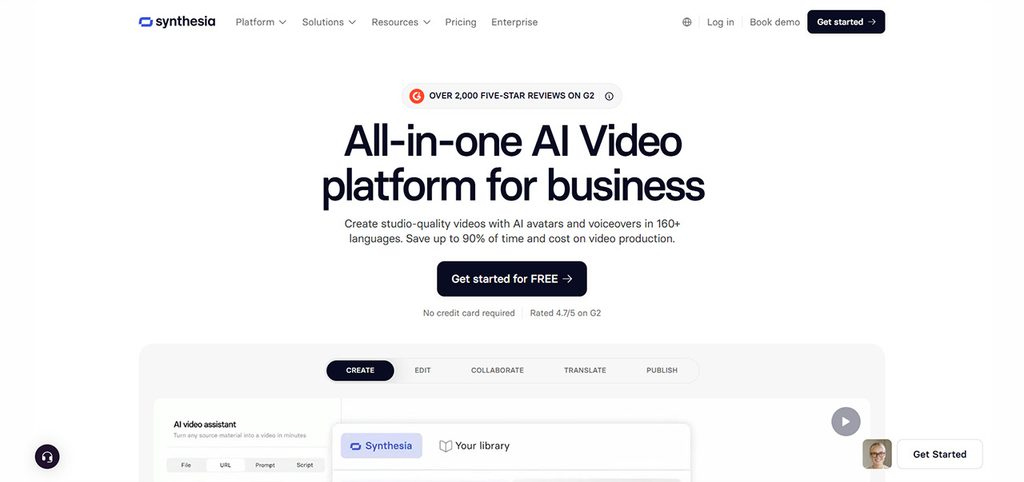
Synthesia is a popular AI video generator platform that focuses heavily on business communication, training, education, and corporate content. The platform features over 240 stock avatars and more than 1,000 AI voices across 160+ languages. It also offers key features like voice cloning, video translation, quizzes, branching, and collaboration tools.
Key features
- Voice cloning and personal avatars.
- AI-generated B-roll and graphics.
- PowerPoint, document, URL, and script-to-video workflows.
- AI dubbing and video translation
Limitations
- It is primarily designed for business and presenter-led content rather than cinematic filmmaking.
Ideal usage
- Corporate training, employee onboarding, product tutorials, internal communications, sales enablement, and multilingual business content.
InVideo AI
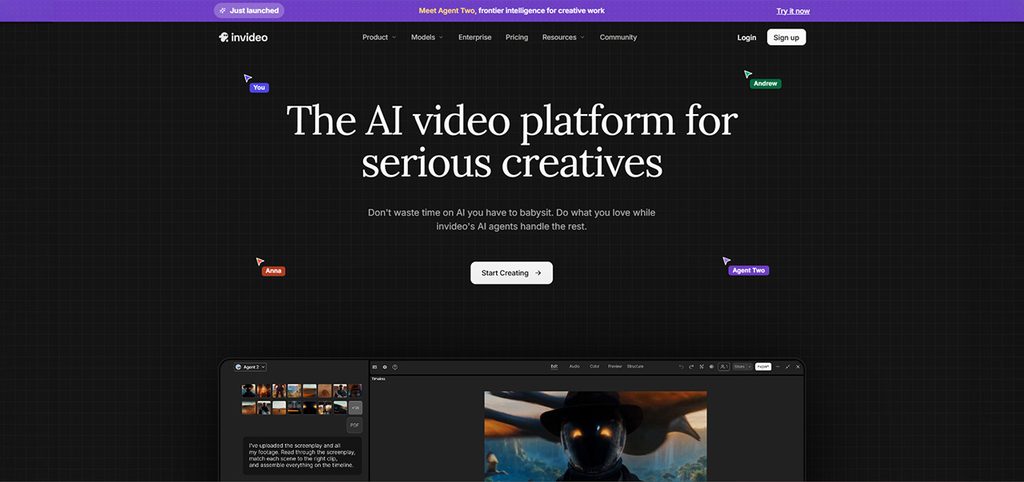
InVideo is purposefully designed to make video creation accessible to users without a professional editing experience. The platform features an enhanced AI workflow that can take an idea, script, or concept and help with scripting, storyboarding, generating shots, and editing.
Key features
- Prompt-to-video creation
- AI-assisted scripting
- Automated storyboarding
- AI-generated scenes and shots
Limitations
- Automated results may still need human editing and factchecking.
Ideal usage
- Beginners, YouTubers, marketers, small businesses, social media managers, and creators who want to turn an idea into a complete video quickly.
Choosing the Best AI Video Generators
Choosing the best AI video generator mainly depends on the type of video users want to create. Users can also consider the following factors while choosing the best AI video generator for their project.
- Identify Video Content Needs
The first thing that the user needs to decide is what type of video they want to create. If the user wants to generate completely new scenes from text prompts, they can look for a dedicated text-to-video generator.
- Check Video Quality and Consistency
Users need to check the video quality using their own prompts and content. Users need to pay attention to whether characters remain consistent, movement looks natural, objects maintain their shapes, and the generated visuals actually match the instructions.
- Consider Ease of Use
A powerful AI video generator isn’t necessarily the best choice that requires hours to learn. Users should focus on platforms with simple interfaces, ready-made templates, prompt-based creation, AI voiceovers, and easy editing.
- Look for Editing Capabilities
Generating the first video is only part of the process. The best AI video generator should offer post-generation editing. Users often need to change a sentence, replace a scene, adjust the voiceover, remove an unwanted element, or modify captions.
Conclusion
AI video generators are becoming essential tools for creators who need faster, simpler, and more accessible video production. Options such as the Hailuo AI Text-to-Video Generator can help turn written ideas into engaging visuals with less manual effort. Ultimately, choosing the best AI video generator depends on your content needs, budget, desired quality, and editing experience. Comparing features, limitations, video quality, ease of use, and editing capabilities can help you select the right tool and create high-quality videos more efficiently.
Frequently Asked Questions
Which AI video generator is best for beginners?
For beginners, InVideo AI is considered a strong option, as it offers a relatively simple workflow for turning ideas, scripts, and prompts into complete videos.
Can AI generate a video from text?
Yes, AI can generate a video from text. Many AI video generators support text-to-video generation, allowing users to describe a scene or concept using a text prompt.
Are AI video generators free?
Yes, some of the AI video generators are free. Some AI video generators offer free plans or trials, while others require a paid subscription.
Can AI video generators create voiceovers?
Yes, AI video generators can create voiceovers. Many AI video platforms include AI-generated voiceovers.