Anime-inspired videos are becoming increasingly popular among digital creators, social media users, and animation enthusiasts. From short character animations to creative storytelling clips, anime-style visuals offer an interesting way to express ideas. However, traditional animation often requires drawing skills, professional software, and hours of editing.
Artificial intelligence is changing this creative process. Today, creators can experiment with tools that transform written descriptions, images, and existing footage into animated visuals without following a complicated animation workflow.
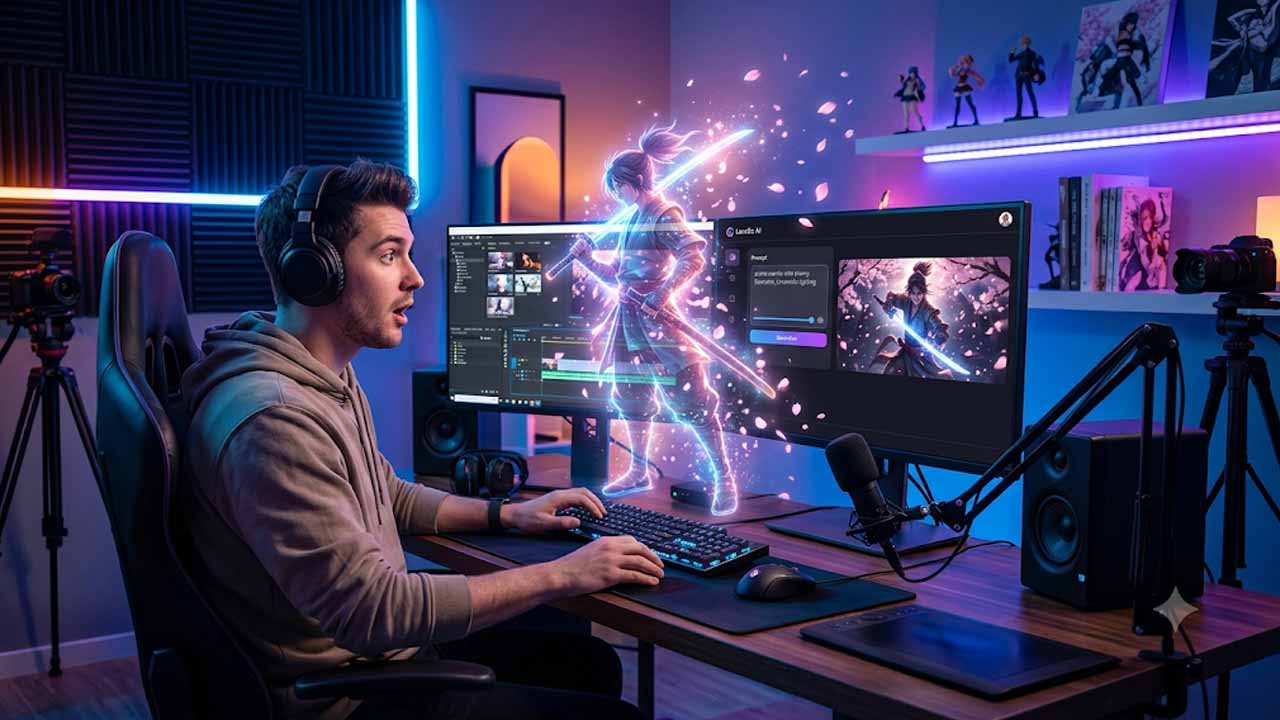
One platform worth exploring is the LensGo AI anime video generator. It provides AI-powered creative capabilities that allow users to experiment with visual styles, generate videos, and transform existing content.
Whether you are a beginner, anime enthusiast, or content creator, understanding how these tools work can help you decide whether they fit your creative needs.
What Is the LensGo AI Anime Video Generator?
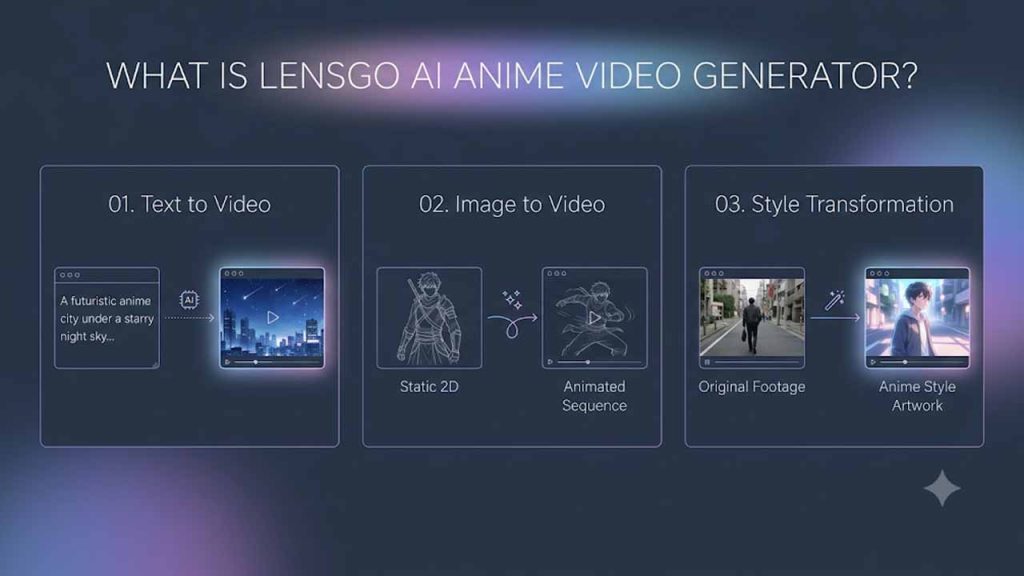
The LensGo AI anime video generator refers to the anime-style video creation and transformation workflows associated with LensGo AI.
The platform focuses on AI-powered visual content creation. Depending on the available features and version, users can explore text-to-video generation, image-to-video animation, and video style transformation.
For example, imagine having a character illustration that you want to bring to life. Instead of manually animating every movement, you can explore AI-based video generation to turn the visual into a moving sequence.
Similarly, a written description of a fantasy world can serve as the starting point for creating an AI-generated scene.
If you are interested in understanding the platform’s strengths and limitations compared with other tools, explore our guide to LensGo AI alternatives.
Key Features of LensGo AI
Understanding the available features can help you decide how to use the platform for your creative projects.
1. Text-to-Video Generation
Text-to-video generation allows users to describe a scene through written prompts and generate visual content based on those instructions.
For example, you could write:
“A young anime character walking through a beautiful Japanese village during cherry blossom season, cinematic lighting, soft colors, and gentle camera movement.”
The AI interprets the description and attempts to generate a video matching your creative direction.
For beginners who want to understand this process, our guide on AI text-to-video generation explains how written prompts can become video content.
2. Image-to-Video Animation
Sometimes creators already have artwork, character illustrations, or photographs they want to animate.
Image-to-video functionality helps transform static visuals into moving content. Depending on the available generation options, users can experiment with motion, camera effects, and different visual treatments.
This makes the Lensgo AI anime video workflow interesting for creators who want to animate character artwork or create short visual storytelling clips.
3. Anime and Artistic Style Transformation
One of the appealing aspects of AI visual generation is the ability to experiment with different artistic appearances.
Users can explore anime-inspired, cartoon, cinematic, and other creative styles where supported by the platform.
The LensGo AI anime video maker approach can be particularly useful for people who want to experiment with animated visuals without manually recreating every frame.
4. Video-to-Video Transformation
Video-to-video transformation allows creators to experiment with changing the artistic appearance of existing footage.
For example, someone might want to give an ordinary video an anime-inspired look while retaining aspects of the original scene and movement.
The results depend on the input footage, selected settings, and available generation features.
5. Beginner-Friendly Creative Workflow
Traditional animation software can feel complicated to beginners. AI-assisted tools simplify some parts of the creative process by allowing users to start with a prompt, image, or existing video.
This makes experimentation more accessible to creators who want to explore new visual ideas without spending hours learning professional animation software.
How to Create Anime Videos Using LensGo AI
Getting started with an AI video generation platform is generally straightforward. The exact interface may change, but the basic workflow usually includes the following steps.
Step 1: Open the Official Platform
Visit the relevant official LensGo platform and check its available video creation features. Verify the service before creating an account or uploading content.
Step 2: Choose Your Input Method
Decide whether you want to create a video from a text prompt, animate an existing image, or transform footage.
Step 3: Write a Detailed Prompt
Describe the character, setting, movement, lighting, and artistic style you want.
For example:
“An anime-style warrior standing on a mountain during sunset, wind moving through their hair, dramatic clouds, cinematic camera movement, detailed background.”
Step 4: Select a Suitable Style
Explore the available artistic styles and select an anime-inspired appearance that matches your idea.
Step 5: Generate and Review
Start the generation process and review the result. If the output does not match your expectations, adjust the prompt or input and try again.
Step 6: Export Your Video
Once satisfied, use the available export option. Review the resolution, watermark conditions, and usage permissions before publishing.
Benefits of Using LensGo AI for Anime Videos
AI-powered video generation offers several advantages for creators.
- Saves creative time: AI-assisted workflows can reduce the manual effort involved in creating initial visual concepts.
- Beginner-friendly: Users can experiment with prompts and images without mastering traditional animation software.
- Creative flexibility: Different generation methods allow creators to explore multiple artistic directions.
- Social media content: Short animated clips can be useful for YouTube Shorts, Instagram Reels, and other creative projects.
- Visual experimentation: Artists can test character appearances, environments, and storytelling ideas before investing in detailed production.
The Lensgo AI anime video experience can be particularly interesting for creators who want to explore anime-inspired content and experiment with different visual concepts.
Best Alternatives to LensGo AI
Although LensGo AI offers interesting creative possibilities, it may not meet every creator’s requirements. Some users need more control over character consistency, camera movements, editing, or video quality.
Here are some other platforms worth exploring.
Runway
Runway offers AI-powered video generation and creative editing capabilities. It can be useful for creators interested in cinematic scenes and more controlled visual workflows.
Kling AI
Kling AI supports text-to-video and image-to-video workflows. It is worth exploring for creators interested in dynamic movement and character-driven content.
Read our guide on Kling AI video creation alternatives to understand its capabilities.
PixVerse AI
PixVerse AI focuses on generating videos from text prompts, images, and other visual inputs. It can be useful for social media creators and people experimenting with animated scenes.
Explore our detailed guide to AI video generation tools like PixVerse AI.
Google Flow
Google Flow provides AI-powered filmmaking and storyboarding capabilities. It can be useful for creators who want to plan scenes and develop more structured video projects.
Our guide on AI filmmaking and storyboarding with Google Flow explains this workflow in greater detail.
Tips for Creating Better AI Anime Videos
A few simple practices can improve the results of your creative experiments.
- Write descriptive prompts that explain the character, background, lighting, and movement.
- Keep each scene focused on one main action.
- Use clear reference images when working with image-based generation.
- Experiment with different styles before choosing your final appearance.
- Review facial details, character consistency, and movement.
- Use video editing software to add captions, transitions, sound, and finishing touches.
Remember that AI video generation is an iterative process. Your first result may not be perfect, and small adjustments can make a noticeable difference.
Limitations to Consider Before Using LensGo AI
Although AI video creation is exciting, it still has limitations.
Generated characters may change appearance between frames, facial details can become inconsistent, and complex movements may produce unexpected results.
Longer storytelling projects may also require multiple generations and additional editing to maintain continuity.
Before using the platform, review its current generation limits, pricing, export resolution, watermark conditions, privacy policy, and commercial-use terms.
This is particularly important if you plan to use generated videos for business, advertising, or monetized social media content.
Final Thoughts
The LensGo AI anime video generator offers an interesting way to explore AI-powered animation and creative video production. Its supported text, image, and video-based workflows make it possible to experiment with anime-inspired visuals without following a traditional animation process.
Whether you are creating social media clips, exploring digital art, or developing short storytelling concepts, AI-assisted generation can help bring your ideas to life.
However, choosing the right platform requires more than looking at attractive demonstrations. Compare available features, generation limits, output quality, pricing, and usage permissions before committing to a workflow.
With creative prompts, careful experimentation, and thoughtful editing, you can make better use of AI video generation for your projects.
Frequently Asked Questions (FAQs)
-
What is the LensGo AI anime video generator?
It refers to AI-powered video creation and transformation capabilities associated with LensGo. Depending on the available version, users can explore anime-inspired visuals through text, image, and video-based workflows.
-
Can LensGo AI turn images into anime videos?
Some LensGo-related services offer image-to-video and artistic style transformation capabilities. Check the current official platform to confirm which options are available.
-
Is LensGo AI suitable for beginners?
Yes, AI-powered video generation can be approachable for beginners because users can start with simple text prompts and visual inputs. However, getting consistent results may require experimentation.
-
Can I use LensGo AI anime videos on social media?
Generated videos may be suitable for social media content, provided you follow the platform's usage terms, copyright requirements, and applicable content policies.
-
What are the best alternatives to LensGo AI?
Runway, Kling AI, PixVerse AI, Luma Dream Machine, Adobe Firefly, and Google Flow are worth exploring. The best choice depends on your preferred creative workflow, output quality, and budget.