The guide explores the top 5 alternative tools to Lensgo AI and explains what each tool is best suited for.
AI video generation has changed the way creators produce content in 2026. Creators can now turn text prompts and images into engaging video clips in minutes, instead of relying entirely on cameras, editing software, and complex production workflows. Lensgo AI is among the many platforms that are built around this. The platform supports various workflows, such as text-to-video, image-to-video, and video-to-video. The platform is especially useful for creators who want to experiment with AI-generated visuals.
However, Lensgo AI isn’t only one platform. Depending on the user’s requirements, they can create cinematic footage, realistic motion, social-media effects, AI avatars, AI influencer, product videos, or a fully edited video.
What is Lensgo AI?
Lensgo AI is an AI-powered visual content creation platform that allows users to generate and transform images and videos using simple text prompts, reference images, or existing video footage. The platform is designed to make AI video creation accessible without requiring advanced video-editing or animation skills. With Lensgo AI, users can create videos from simple text descriptions, animate static images, and apply different artistic styles to existing videos. The platform is designed to make AI video creation accessible without requiring advanced video-editing or animation skills.
Why Users are Looking for Lensgo AI Alternatives
Lensgo AI can be useful for experimenting with AI video, especially when the user wants to animate images or apply distinctive visual styles. The current offering includes text-to-video and image-to-video generation, while the style-transfer tools of Lensgo AI are designed to transform existing footage into different artistic aesthetics.
Still, creators may want an alternative for several other factors, such as:
- Requires More Advanced Video Generation
Some users may need greater control over camera movement, character consistency, scene composition, or video duration. Platforms like Runway, Kling AI, and Google Veo offer different approaches to these areas.
- Better Character Consistency
Maintaining the same appearance of the character across multiple scenes can be challenging with generative AI. If the user is creating a story, advertisement, or series of videos featuring recurring characters, they might need to explore platforms that offer stronger reference-image or character-consistency features.
- Require More Editing Tools
If the workflow involves generating clips and then performing extensive editing, using a platform that can combine AI generation with traditional video-editing capabilities may be more convenient.
- Looking for a Specific Creative Style
Different AI video generation platforms can produce different visual results. Trying alternatives enables users to compare results using the same prompt or source image, rather than relying solely on screenshots or reviews.
Top 5 Lensgo AI Alternatives
Some of the most popular Lensgo AI alternatives are listed as below:
Runway
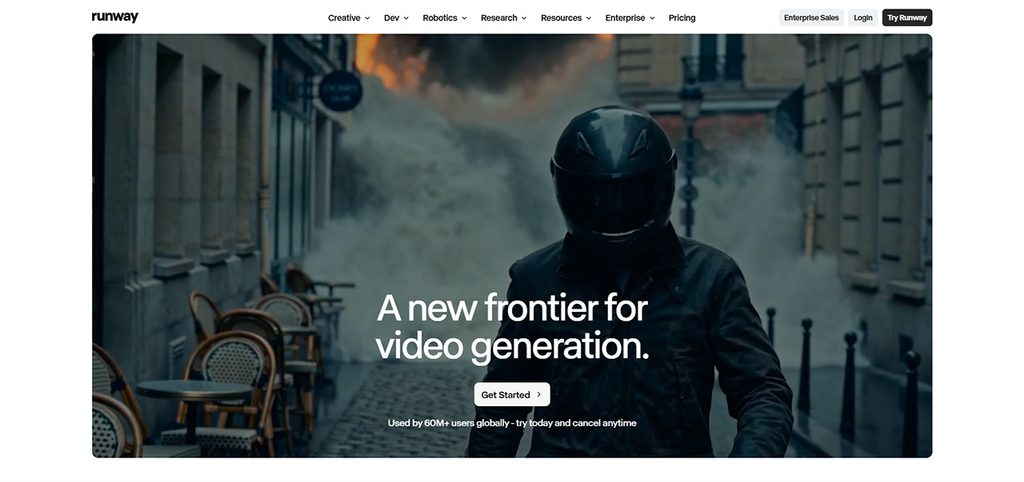
Runway is an AI-powered creative platform that focuses on generative video and visual content. The video-generation tools of the platform are designed to offer creators control over motion, visual consistency, and cinematic composition.
Key Features
- Text-to-video and image-to-video generation.
- Character and subject consistency.
- Motion and camera direction controls.
- Video editing and transformation tools.
Benefits
- Useful for filmmakers and professional creators.
- Provides considerable creative control.
- Supports experimentation and rapid visual prototyping.
Limitations
- Advanced features can require significant credits.
- Getting consistent results may require prompt experimentation.
Use Cases
- Short films, advertising concepts, music videos, storyboards, cinematic scenes, product visuals, and creative video experiments.
Kling AI
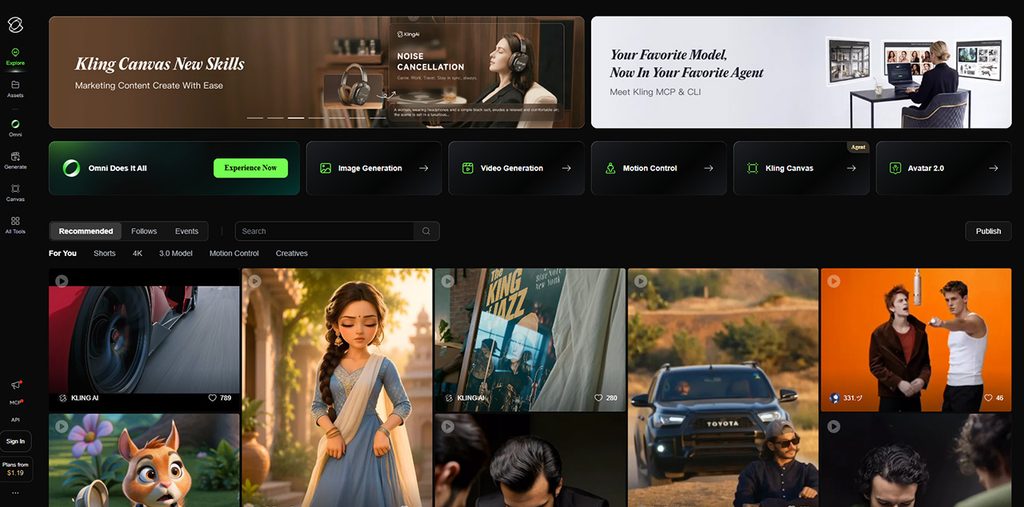
Kling AI is a generative AI platform that mainly focuses on creating videos from text and images. The platform is especially relevant for creators who want to animate still images or generate cinematic-looking video sequences.
Key Features
- Text-to-video generation.
- Image-to-video generation.
- Multi-shot video generation.
- Character and subject consistency.
Benefits
- Useful for creating dynamic video from still images.
- Supports more complex multi-shot concepts.
- Can be useful for character-driven scenes.
Limitations
- AI-generated characters and objects can still show inconsistencies.
- Complex prompts may require multiple attempts.
Use Cases
- Social media videos, cinematic clips, animated characters, storytelling, advertising concepts, product demonstrations, and image-to-video projects.
- Luma Dream Machine
Luma Dream Machine is a generative-video platform that is designed for turning creative ideas, text prompts, and images into moving visuals. The technology is especially relevant to creators who are interested in cinematic motion and visually rich scenes.
Key Features
- Text-to-video generation.
- Image-to-video generation.
- Cinematic camera movement.
- Photorealistic motion.
Benefits
- Good fit for visual storytelling.
- Useful for bringing static images to life.
- Can help creators visualize concepts before production.
Limitations
- Results can vary depending on the prompt and source image.
- Maintaining perfect consistency across multiple generated shots can still be challenging.
Use Cases
- Film previsualization, advertising, product videos, concept art animation, social-media content, cinematic experiments, and creative storytelling.
Luma Dream Machine
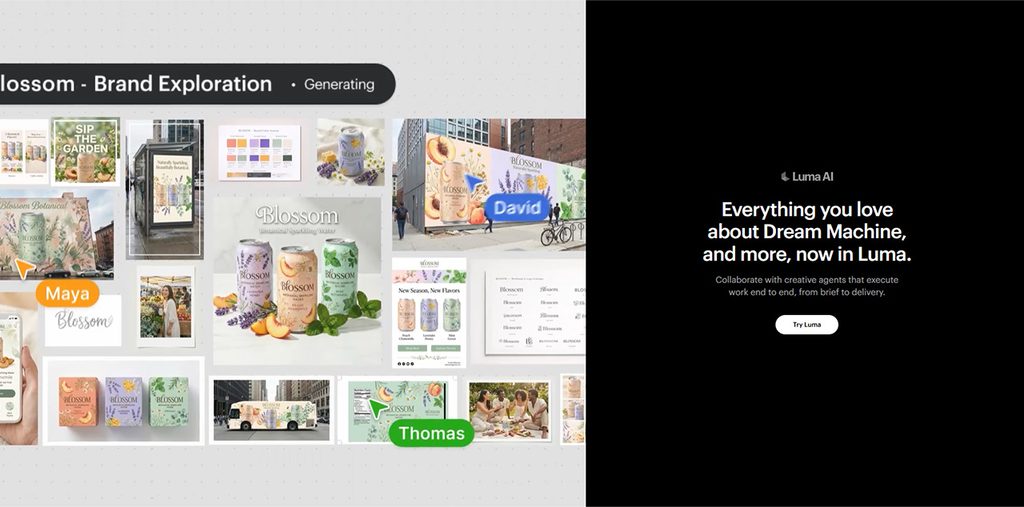
Luma Dream Machine is a generative-video platform that is designed for turning creative ideas, text prompts, and images into moving visuals. The technology is especially relevant to creators who are interested in cinematic motion and visually rich scenes.
Key Features
- Text-to-video generation.
- Image-to-video generation.
- Cinematic camera movement.
- Photorealistic motion.
Benefits
- Good fit for visual storytelling.
- Useful for bringing static images to life.
- Can help creators visualize concepts before production.
Limitations
- Results can vary depending on the prompt and source image.
- Maintaining perfect consistency across multiple generated shots can still be challenging.
Use Cases
- Film previsualization, advertising, product videos, concept art animation, social-media content, cinematic experiments, and creative storytelling.
Adobe Firefly
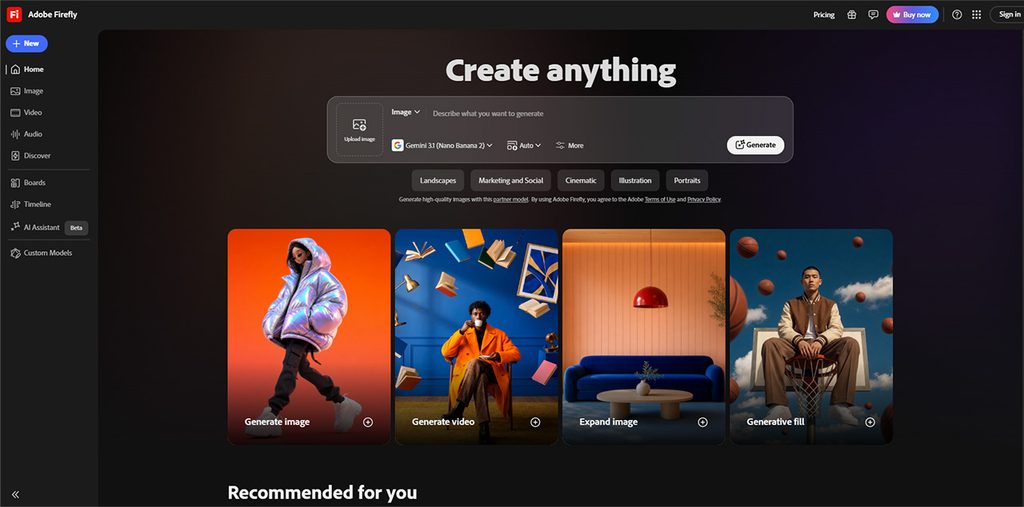
Adobe Firefly is a broader AI creative studio, instead of a simple AI video generation platform. The platform combines AI image and video generation with editing and other creative tools.
Key Features
- Text-to-video.
- Image-to-video.
- Video-to-video transformation.
- AI-assisted video editing.
Benefits
- Combines generation and editing in one workflow.
- Particularly useful for existing Adobe users.
- Supports a wide variety of creative projects.
Limitations
- The large number of tools and models can make the platform feel more complex.
- Heavy video generation can consume credits quickly.
Use Cases
- Marketing campaigns, social media videos, e-commerce content, B-roll, product demonstrations, training materials, storyboards, and professional creative workflows.
Google Veo
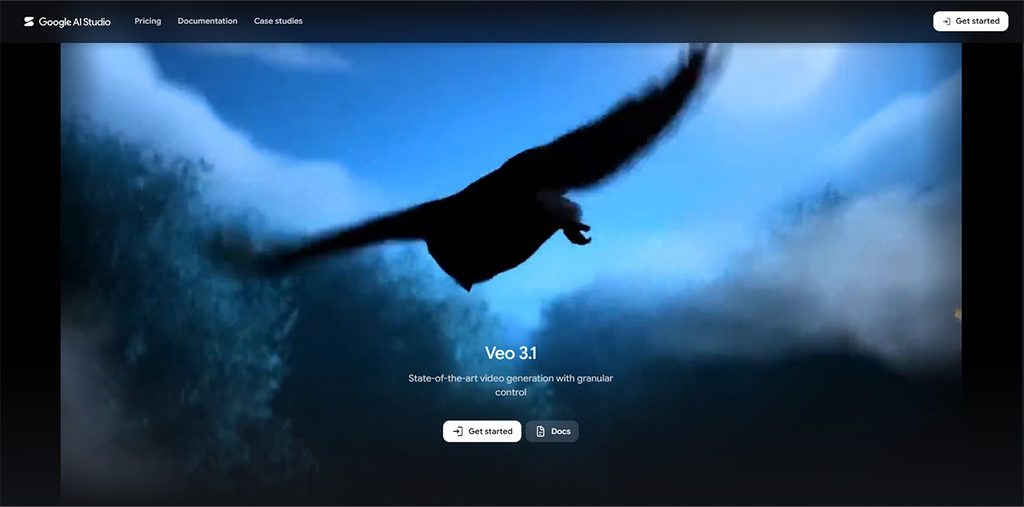
Google Veo is a generative video technology by Google. The platform emphasizes creative control, consistency, reference images, camera movement, scene extension, and generated audio.
Key Features
- Text-to-video generation.
- Reference images for characters, objects, and scenes.
- Style reference images.
- Character consistency.
Benefits
- Useful for detailed visual storytelling.
- Reference images provide additional control over generated content.
- Character consistency can help with multi-scene projects.
Limitations
- Access can vary depending on Google’s product and availability.
- AI-generated video may still contain visual or motion artifacts.
Use Cases
- Cinematic storytelling, advertising, product visualization, social media videos, concept development, short films, and realistic AI-generated scenes.
Choosing the Right Lensgo AI Alternative
Choosing the right Lensgo AI alternative mainly depends on what the user wants to create and how much control they need over the video generation process. There is no single tool that works best for every creator. Some platforms largely focus on cinematic AI videos, while others are better for editing, social media content, AI avatars, or professional creative workflows.
Some of the key factors to consider while choosing an ideal Lensgo AI alternative are as follows:
Compare Video Quality
Users should look at key factors, such as realism, motion quality, image details, lighting, camera movement, and consistency. Video quality should be among the most important considerations for creators looking for a video generation platform.
Check Creative Controls
Different platforms offer different levels of control. If the user is looking for precise results, they should look for key factors such as camera movement control, reference images, character consistency, motion controls, aspect-ratio options, and scene extension.
Users should consider what happens after the AI generates the video. If users need to add music, captions, transitions, voiceovers, effects, or branding, an integrated editing platform can be used to save valuable time.
Compare Pricing and Credits
AI Video generation can become expensive if the user needs many attempts. Before purchasing the subscription, users should check free-generation limits, monthly credits, cost per generation, video resolution, watermark restrictions, and credit rollover policies.
Conclusion
Lensgo AI is among the most useful platforms for AI-generated images and videos, but it may not meet the requirements of every creator. Users often look for the ideal alternative to Lensgo AI, as different platforms, including Wava AI, offer different capabilities for video generation, creative control, editing, consistency, and professional workflows. The right choice ultimately depends on the type of content, video quality, features, budget, and level of control the user needs. Before choosing an alternative, creators should compare the available features, pricing, generation limits, and commercial-use terms.
Frequently Asked Questions
Can Lensgo AI alternatives create videos from images?
Yes, several Lensgo AI alternatives can create videos from images. Platforms like Runway, Kling AI, Adobe Firefly, Google Veo, and Luma Dream Machine support image-based video-generation workflows, although the exact features can vary.
Which Lensgo AI alternative is best for image-to-video generation?
For image-to-video generation, users can choose Kling AI or Runway, as these platforms can turn static images into moving video content.
Which Lensgo AI alternative is best for beginners?
For beginners, platforms with straightforward interfaces and simple prompt-based generation, while advanced creators may prioritize detailed controls.
Can Lensgo AI alternatives create realistic videos?
Yes, Lensgo AI alternatives can create realistic videos. Modern AI video generators can produce increasingly realistic footage.