How artificial intelligence affects visual content creators and technology companies: AI affects the work of visual content creators and businesses. Camera equipment, editing tools, and a team of production assistants once led to a finished product, with video cameras, editing suites, and production crews. Now, it all begins with a prompt, or an existing image or video, and a set of tools that a platform like Pollo AI combines to help a business create a finished product. Whether it is creating a visual story, a story with visuals, social media posts, or advertising for a product, understanding the technical features and limitations of AI applications helps businesses know how best to use them.
What Is Pollo AI?
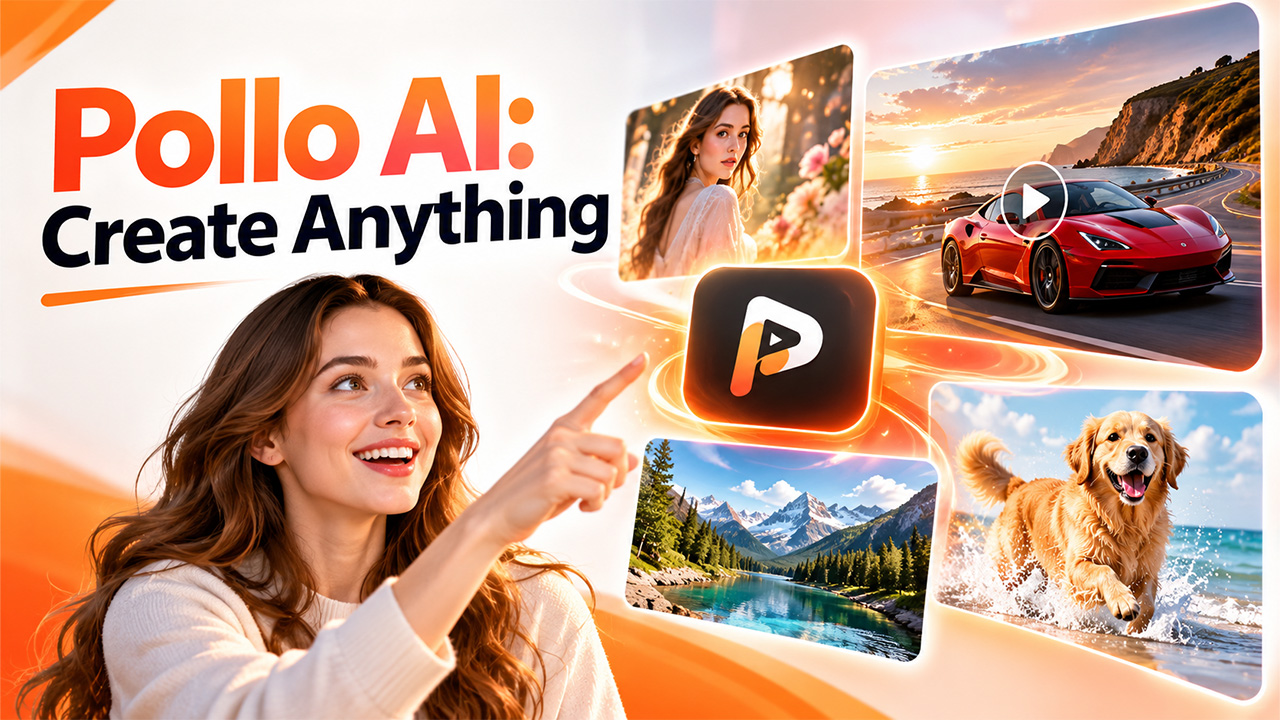
Pollo AI is an AI-powered creative tool for producing and transforming images and videos. It allows users to describe a scene, upload an image, or submit a creative brief to kickstart a project instead of only relying on traditional production techniques. It offers a variety of content-generation techniques to choose from, such as text-to-video, image-to-video, and AI image generation, unifying several AI models and, with the help of a range of inventive workflows, giving users the option to browse through various styles and results all in one place. It also provides an AI agent that brings more complex projects together by translating ideas into a creation process. Similar platforms exist for creators who want to compare approaches, such as Higgsfield AI, which also combines several generation models in one workspace.
What Are the Key Features of Pollo AI?
Pollo AI groups its tools by the type of output a user wants, so it helps to know what each one does before starting a project. The platform offers several creative features for different content needs.
Text-to-video Generation
Conversion of text prompts to videos. Video creators describe the subject, environment, position, illumination, lens, and visual style. They provide a prompt, and the AI renders a video that adheres to the defined parameters a creator may request for cinematic shot of a red sports vehicle driving along a coastal route at sunset, for example, providing instructions that set the scene and mood.
Image-to-video Generation
Image-to-video products animate pictures you already own. Simply provide a product photo, drawing, selfie, or any other type of image for which the scene can be described. For example, an online retailer can make a perfume bottle more alluring by creating a video of it moving through a slow pan with diffused light. The input image remains to be seen as a reference, but the output may not show all specifics.
AI Image Generation
These tools generate images based on input text. You can use it to make concept art, marketing images, shots of products, character designs, and storyboards. The images can be used in marketing or as assets for video projects.
Pollo Agent and Guided Workflows
Pollo Agent can take users past individual generations. The company says it can understand briefs, images, links, and references to generate scripts, scenes, ads, and other creative assets. Feedback can be provided on the output as the project progresses.
Video Effects and Creative Controls
Other tools enable visual alterations, motion effects, aspect ratios, and creative variations. You can also try different models and workflows to create various appearances and formats suitable for social, marketing, or storytelling.
How to Create Videos and Images with Pollo AI
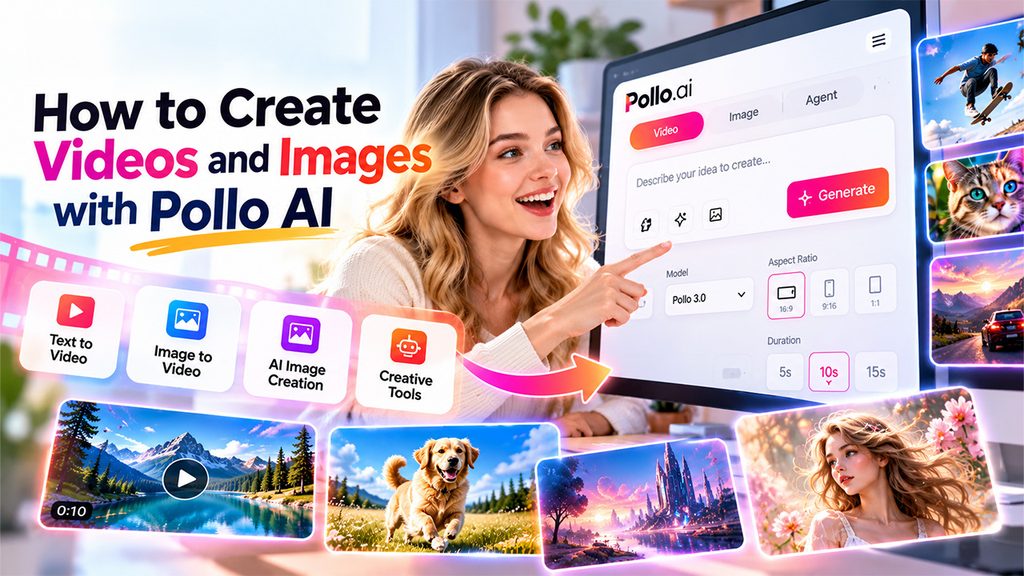
AI content is even easier to generate if you know your workflow. The process is the same for most projects, whether you start from a text prompt or an existing image.
- Pick a Creation Tool: Visit the home page and tap an option, for example, text-to-video, image-to-video, image creation, or a guided creative process.
- Provide a Prompt or Upload an Image (for images only): Write a prompt or upload a different source image to generate based on. Pick a great source image for generated image projects for best results.
- Choose Your Options: Pick the model, aspect ratio, and duration if they are supported. Vertical styles tend to work well for social short-form content, whereas a landscape style may work better for presentations.
- Create and Edit the Result: Verify that the result respects the brief. Search for deformed objects, untruthful details, unnatural movements, or changes to text and logos. When needed, tweak your prompt or preset, produce an additional variation, then edit away to publishing.
Once a clip is generated, these video editing tips cover trimming, pacing, and sound, which help turn a rough output into a finished video. Pollo AI makes this process possible, but the outcome is an approximation based on the model you are using, input, prompt design, and your available options.
What Are the Use Cases of Pollo AI?
Teams and solo creators use Pollo AI for ideas that would otherwise need cameras, crews, and editing time. These are the main areas where it fits, from advertising to storytelling.
- Marketing and Advertising
Marketing can also produce small marketing videos and ad concepts before launching entire video shoots for every idea. They have the ability to try a different look and feel of a campaign before running more expensive video productions.
- Social Media Content
Frameable videos. Creators are able to make short videos, animated images, and visual stories for social channels. Various aspect ratios and creative styles enable them to customize content for each channel.
- E-commerce Product Showcase
These are ways you can use visuals. You can also use your uploaded product photos to promote a product page or animate them to create lifestyle images.
- Storytelling and Entertainment
For writers, indie filmmakers, and digital artists, AI visuals can be used to imagine characters, places, storyboards, and cinematic scenes. These images can be used to communicate an idea before committing to a full-scale production.
What Are the Limitations of Pollo AI?
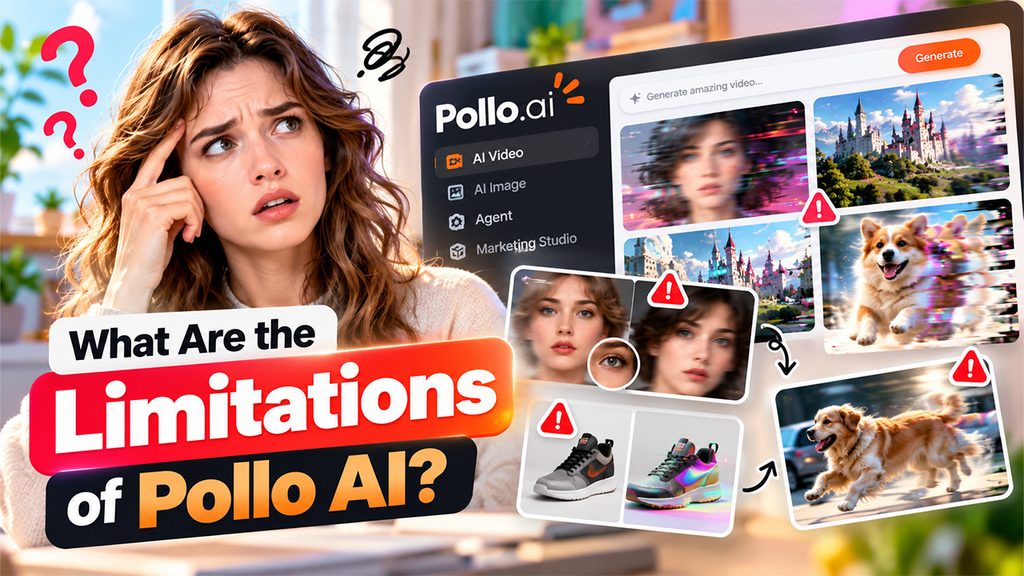
Despite the fact that Pollo AI makes the creation of AI-generated videos and images easier, it has certain drawbacks that may impact the output quality. Below, you can find a list of the key disadvantages that the service has.
- Video Quality is Erratic
AI model videos might showcase visual inconsistencies, camera shake, uncanny motions, floating objects, or frail visual effects. Users might also have to retrain the video model multiple times to get the best output.
- Limited Control Over Generated Content
The platform does not always perfectly understand complex sentences. You can see that the platform can take some time to adjust to the words you write here; you will need to change parameters and descriptions in order to get the desired style or picture.
- Product and Character Inconsistencies
Rendered visuals can alter the shape of a person’s face, products, packaging, colors, or other important details. This limitation can be an obstacle for marketing sensitive to a brand or product demonstration.
- Reliance on Quality of Input
Outcomes of the generated content are often dependent on the specific info entered in the prompt as well as the quality and kind of photo that is uploaded. If a prompt is very ambiguous or a source image is not suitable, the results will be underwhelming.
- Generation Limits and Restrictions on Use
Different available models, the quality of the output, video length, generation credits, and export options may differ between applications or subscription plans. Check the current platform terms before beginning a project.
Readers who find these limits a problem can compare other tools in a guide to the best AI video generators before settling on one.
Conclusion
Pollo AI provides a practical starting point for creating AI-generated videos, images, and marketing assets. Its text-to-video and image-to-video tools support quick visual experiments, while guided workflows help users organize more involved creative projects. For creators looking to build Reusable AI content workflows, these tools can help turn ideas into visual assets that are easier to adapt for different campaigns and platforms. Marketers, online sellers, social media creators, and storytellers can explore different ways to produce engaging content. However, choosing the right tool and writing clear prompts remain important for achieving useful results. Users should review every output carefully, refine weak details, and confirm that the final content meets their quality, branding, and usage requirements before publishing.
Frequently Asked Questions :
What is Pollo AI used for?
It helps users generate and transform videos, images, advertisements, product visuals, and creative content using AI-powered tools.
Can Pollo AI generate videos from text?
Yes. Its text-to-video tools convert written prompts into video clips based on the described subject, scene, movement, and style.
Can Pollo AI turn images into videos?
Yes. Users can upload an image and provide instructions to animate the scene with generated movement.
Is Pollo AI suitable for beginners?
Yes. Its prompt-based tools and guided workflows help beginners create visual content, although reviewing and refining results remains important.