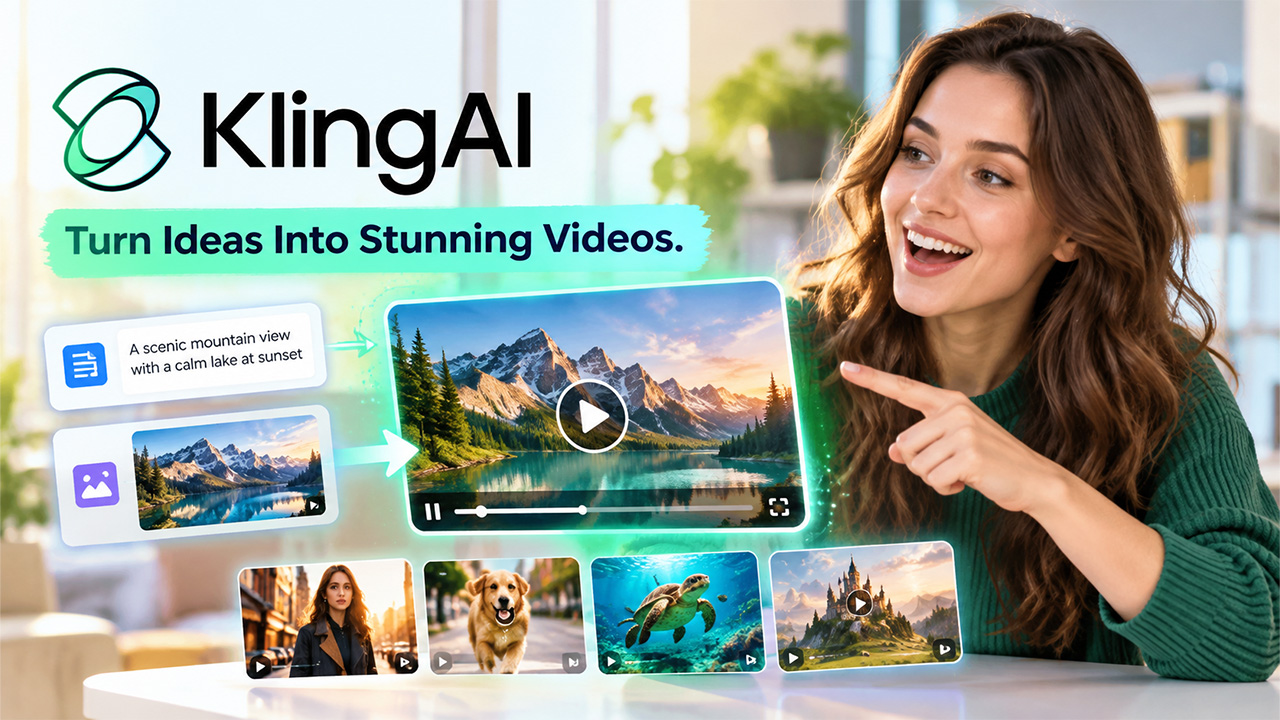
AI video generation changes how creators produce videos by turning written prompts and images into visual content. Instead of recording every scene manually, users can describe what they want and let an AI tool create the video. The Kling AI video generator is one such platform that helps users create AI-powered videos from text and images, with Kling AI free and paid tiers available depending on usage needs. It supports different creative needs, including social media content, marketing videos, product visuals, storytelling, and short-form videos. Its AI-based generation process helps users create video content without requiring advanced video editing skills.
What Is Kling AI Video Generator?
It’s computer technology that, based on a description from the user, produces videos. For example, you can enter a request that describes some characters, action, setting, scene, or style of the footage and receive a video based on your instructions.
Make videos from images. This tool also works as an AI video generator that can create videos from images and user instructions. You can upload an image and give the system some guidance on how the image should move or transform to make a video. This allows you to generate motion in images to create animations. The Kling AI video generator aims to produce highly detailed scenes, highly detailed visuals, and smooth motion.
How Does Kling AI Video Generator Work?
It runs on several AI models to comprehend the combination of text or visual input and translate it into video frames. Typically, the creation begins with a prompt or an image upload. Entering a prompt results in the AI breaking down key information about the focal point, setting, action, camera angle, and the visual theme to produce individual frames.
In this generation technique, the model looks at the image that you upload and generates the movement around whatever’s in the scene. You can simply describe the motion with a prompt to shape the resulting video. The results vary depending on the clarity of the prompt, the source image, the option selected, and the kind of scene that you want to generate.
Key Features of Kling AI Video Generator
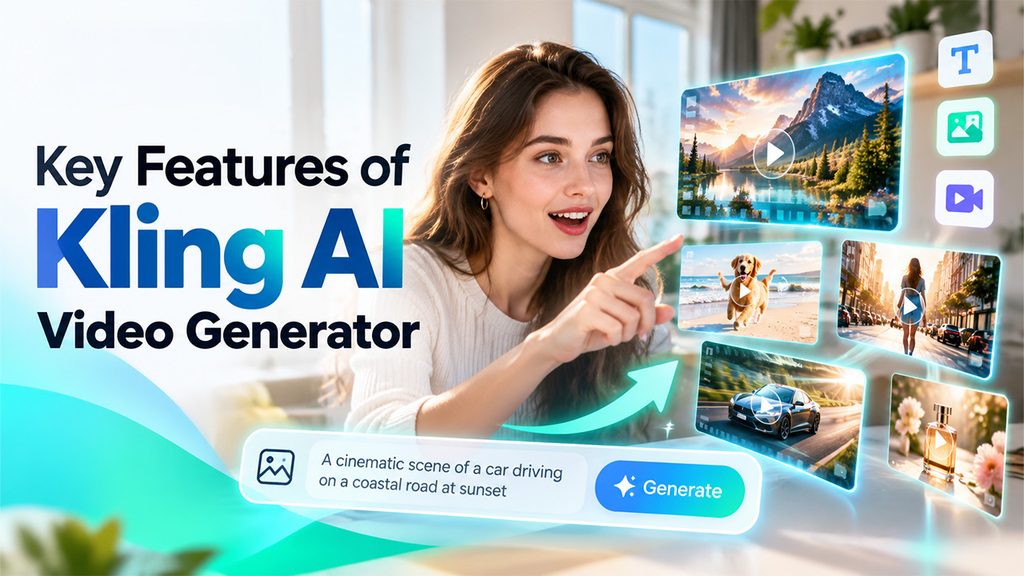
It has an array of features that support various video creation workflows. These features will allow users to make videos using simple text prompts or images. Each feature serves a specific function and provides additional options for content creators when making visual content.
- Text-to-Video Generation: Text-to-video generation enables the creation of a video from a text prompt. For example, it could be a prompt for a person walking down a city street, a product sitting on a table, or an outdoor scene of a landscape. An AI uses this information to generate the video.
- Image-to-Video Generation: The image-to-video tool creates motion for a still image. You can upload an image and tell it how you want it to move. For instance, a user could upload an image of a car and tell the tool to add the effect of the car driving down a road.
- AI-Generated Motion: Motion is key to AI video generation. The Kling AI video generator generates motion from your prompts and images you provide. You can tell it what kinds of motion to include, camera motions, changes between scenes, and other details about the flow of the video, making for a video that is more lively than a static picture.
- Creative Video Styles: Depending on what sort of image you are trying to generate, you can experiment with numerous different visual styles for your prompt. For example, you could give suggestions about lighting, mood, environment, camera angle, atmosphere, and more to have greater levels of control over the look and feel of your video.
How to Write Prompts for Kling AI Video Generator
Good prompts help the AI platform understand what users want to create, while an AI script generator can help prepare the content before video production. Instead of writing short and unclear instructions, users can describe the main subject, action, setting, camera movement, and visual style.
For example, instead of writing: “Man walking in a city.”
A more detailed prompt can say: “A young man walks through a busy downtown street at sunset while the camera slowly follows him from behind. Warm sunlight reflects from the glass buildings, and pedestrians move naturally around him.”
The second prompt provides more information about the subject, movement, location, lighting, and camera direction. Users can also experiment with different prompts and adjust descriptions when the generated video does not match their original idea.
Benefits of Using Kling AI Video Generator
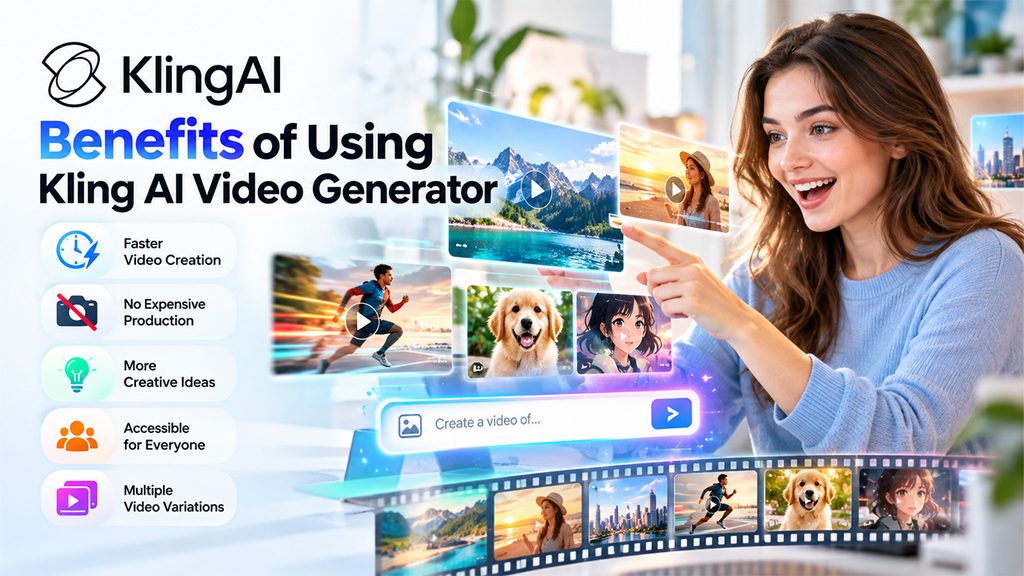
This provides several benefits for creators, marketers, and businesses. It reduces some of the manual work involved in video production and gives users a faster way to turn ideas into visual content.
- Saves Video Production Time: Traditional video production can require planning, filming, editing, and multiple revisions. AI video generation can reduce some of these steps by creating an initial video from a prompt or image. This helps creators develop visual concepts in less time.
- Reduces Production Requirements: Users do not always need cameras, physical locations, actors, or a large production team to create an initial video concept. The Kling AI video generator creates scenes digitally based on the instructions provided by the user.
- Supports Creative Experimentation: AI video generation gives creators an easy way to test different ideas. Users can change prompts, scenes, camera movements, and visual styles to see how different concepts look. This makes it useful during the early stages of content planning.
- Makes Video Creation More Accessible: Beginners can use natural-language prompts instead of relying on advanced animation or video production skills. This makes AI video creation more accessible to people who have limited experience with traditional video editing tools.
- Helps With Content Variations: Creators often need multiple versions of a visual for different platforms or campaigns. The Kling AI can help users experiment with different scenes and concepts, making it easier to develop variations from an original idea.
However, AI-generated video still requires review. Generated content can contain unexpected movements, visual inconsistencies, or details that do not match the original prompt. Users should review the output and make adjustments when needed.
Conclusion
Video generation with AI gives creators a practical way to turn text prompts and images into engaging videos. The Kling AI video generator supports text-to-video and image-to-video workflows for social media, marketing, storytelling, and visual experimentation. Platforms such as Lensgo AI also expand the range of options available for creators exploring AI-powered video production. While AI can reduce manual effort, human editing and review are still important for achieving the intended result. By testing different prompts, styles, and movements, creators can develop videos that better match their creative goals.
FAQs
How much does Kling AI cost?
Kling AI pricing includes both free and paid plans, with costs varying by subscription tier, credits, features, and billing period.
Does Kling AI Video Generator offer free credits?
Yes. Kling AI free credits are available, allowing users to test video generation before choosing a paid subscription.
What video length does Kling AI support?
Kling AI supports video clips ranging from short sequences to longer generations, depending on the selected model, settings, and available credits.
Can users download videos from Kling AI?
Yes. Users can download generated videos from Kling AI, while export quality and watermark options depend on the selected plan.