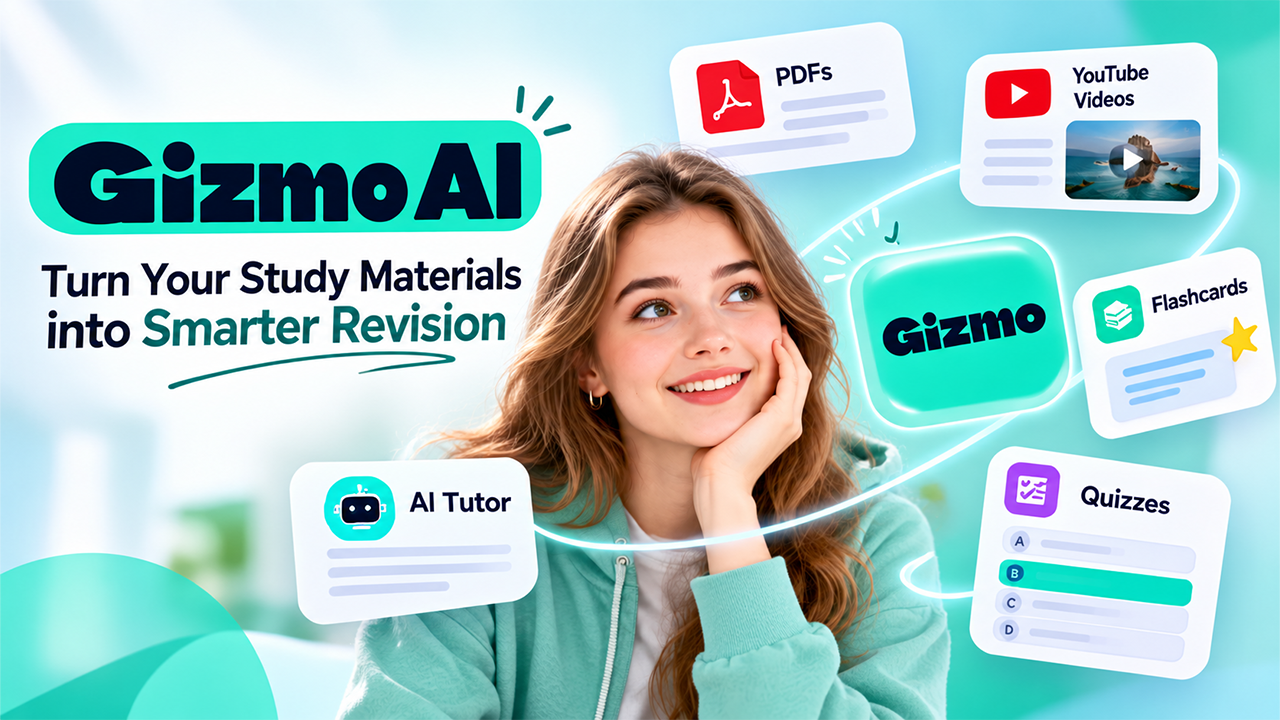
We love learning apps, and Gizmo AI is another one that is powered by artificial intelligence (AI) to make revision much easier and much more engaging. The app takes notes, YouTube videos, PDFs and presentation slides and converts the content into questions and flashcards for your child to revise, all without the user having to put anything together. It also has an AI tutor, spaced repetition and multiplayer quizzes, helping with various learning styles, as well as free and paid subscriptions. It’s perfect for students who want a little more structure when it comes to studying.
What Is Gizmo AI
Gizmo is a study platform driven by AI that can transform content into study guides, courses, tests, and flashcards. You can take your own materials and use them as the basis to make flashcards, quizzes, and practice questions. Gizmo AI is aimed at students looking to better structure and manage their revision and learning. The platform can be used for science, maths, history, languages, and others, but the effectiveness of the content produced relies on source materials and AI output. If you want to explore more AI tools that become a teacher companion. Then you can check out our guide on Magic School AI, which provides teachers with access to a library of AI-driven tools specially built for classroom tasks.
How Does Gizmo AI Work
From your course material to a dynamic, engaging study session. Smart Study Gizmo AI is designed to turn your existing content into interactive study activities, enabling students to upload course content and study using flashcards and quizzes.
- Upload Study Resources: Learners share a PDF, copy and paste notes, embed a YouTube link, or bring in their own study material. Gommie converts what they know into colourful flashcards with highlights to provide time back from copying and pasting for revision.
- Create Flashcards and Quizzes: After content has been imported, students will review the flashcards, then answer questions based on the imported content. This will help the students memorize the definitions and concepts, while also working with the information so that the student can identify what they will need to go back over. Students will be able to create decks for each subject they are studying.
- Practice Using Active Recall: Active Recall Gizmo pushes students to recall information from memory instead of simply reviewing notes. Its Memorize mode asks students to quiz themselves on critical words or concepts. It also utilizes spaced repetition to reintroduce material after some delay, which is effective for long-term retention.
- Learn With the AI Tutor: The student might ask the AI tutor to explain something, take notes, write up a lesson, or practice questions. They can also add to an existing deck, helping the student explore concepts beyond just those in the cards. Helping students learn about difficult subjects before a test is another benefit of using flashcards.
How to Make Your Gizmo AI Study Decks More Effective
Creating flashcards is only the first step. Organizing them properly and using them to test your understanding can make your revision sessions more productive.
Here are some practical ways to improve your study decks:
- Focus on one topic at a time: Divide large chapters into smaller decks so individual concepts are easier to revise.
- Keep questions specific: Use short questions that test one definition, formula, event, or concept at a time.
- Mix different question types: Combine definitions, explanations, examples, and application-based questions.
- Mark difficult cards: Keep track of concepts you frequently forget and revisit them during your next study session.
- Check generated information: Compare important answers with your original notes and textbooks before relying on them.
Students who need additional explanations for difficult homework questions can also explore Flexi AI, which offers a different AI-powered tutoring experience. Using a revision platform alongside a dedicated learning assistant can help address different study needs.
What Are the Features of Gizmo AI
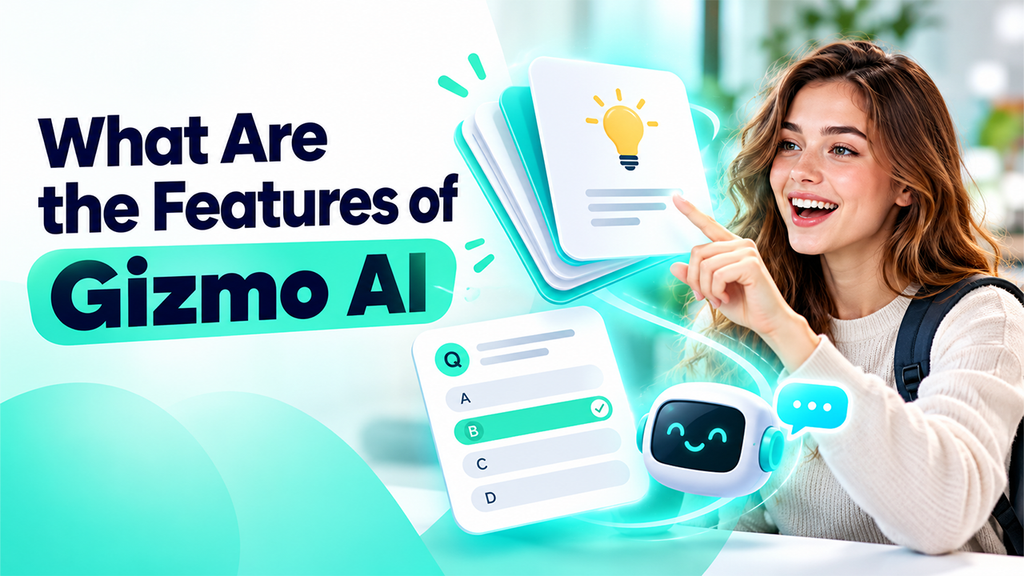
Gizmo AI offers study resources created by AI as well as revision features and collaborative learning tools. These are designed to help students organize their resources, revise frequently and participate actively.
AI Flashcard Generator
The flashcard generator transforms imported learning material into question-and-answer cards. The tool lets students create revision materials from lectures, presentations, and web videos. This tool comes in handy when students are required to memorize a lot of information in a relatively short period.
AI Tutor and Study Help
The AI tutor enables students to grasp concepts with lessons, notes, text and webquest quizzes. Use it when you need help or want to expand your knowledge base. When answering critical questions, always double-check using trusted learning material, especially before your exams.
Numerous Content Import Choices
It comes with a versatile set of content types such as PDFs, YouTube videos, notes, and PowerPoint decks. Students don’t have to do all the learning on the fly. They can simply start with existing materials and use Magic Import to create a study deck.
Multiplayer Quizzes and Shared Decks
Gizmo enables students to share study decks and compete in quizzes with friends. The gamified experience, with points, levels, streaks, and other aspects of progress, may motivate students to stay on top of group revision and persist with their revision. If you specifically want help with homework, then Gauth AI is the best choice for you.
Gizmo AI Pricing and Free Plan
Is Gizmo AI Free for Students? Yes, it is free for students who want to create flashcards, practice quizzes, and experiment with AI learning. However, there is a limited number of uses in the free app. Students can build decks for studying using Magic Import but can only import a certain number of decks before having to wait.
| Plan | Pricing | Main Features |
| Free | $0 | Flashcards, quizzes, study decks, limited AI tutor sessions |
| Gizmo Unlimited Weekly | Varies by region | Unlimited imports, tutor access, and fewer usage restrictions |
| Gizmo Unlimited Yearly | Varies by region | Unlimited access with annual billing |
| Student Discount | Depends on eligibility | Discounted Unlimited subscription where available |
The free plan will work for students who only study occasionally, or who want to try out the platform before committing to paying. Unlimited will be more useful for students who regularly upload materials, or who rely heavily on the AI tutor for study. Students should be aware of the billing terms, as subscriptions automatically renew until cancelled.
What Are the Benefits of Gizmo AI

Gizmo AI assists students in structuring study resources and practice information in less time so that their revision resources can be prepared more efficiently. It has a blend of automation, quizzes, and personal study help to enable more consistent learning.
- Saves Time on Study Preparation: Make flashcards from your notes and presentations. Flashcards can be time-consuming to create manually, especially when students use long notes or have multiple presentations. With Gizmo, when you import content from your notes or presentations, you can automatically turn it into flashcards and spend more time studying.
- Makes Learning More Interactive: Quizzes, streaks, leaderboards and multiplayer games provide an element of gamification to the revision process. For those who dislike reading over a set of notes, these activities may be more appealing. Using shared decks also makes for easier revision with others.
- Provides Support for Flexible Learning: Learners can browse various content types and access the AI tutor for deeper insights whenever they wish. In this way, the software offers learners independence by allowing them to proceed at their preferred speed and revisit concepts later as often as they like. Though Gizmo offers good support, it works better in this context than as a substitute for the textbook, teacher, or student.
How Can Teachers Use Gizmo AI for Classroom Revision?
Gizmo AI can also be useful in classroom revision activities. Teachers can use suitable learning materials to prepare flashcards and quizzes that help students revisit important topics after a lesson.
Some practical applications include:
- Quick revision activities: Turn lesson notes into short question-and-answer sessions.
- Topic-based practice: Prepare separate study decks for different chapters.
- Group learning: Use shared decks and multiplayer quizzes to encourage students to revise together.
- Knowledge checks: Use practice questions to identify topics that may need further explanation.
Teachers interested in broader classroom-focused AI solutions can also explore Flint AI. It offers a different approach to incorporating AI into educational activities, making it worth considering alongside student-focused revision platforms.
How to Use Gizmo AI to Build a Consistent Study Routine
Having access to AI-generated flashcards and quizzes is useful, but the real value comes from using them consistently. Gizmo AI can help students turn their existing study materials into manageable revision activities instead of spending too much time preparing notes manually.
Here is a simple way to include it in your weekly study routine:
Organize your subjects: Create separate study decks for each subject or topic. This makes it easier to find relevant material when preparing for a class test or exam.
Import your learning materials: Add notes, PDFs, presentation slides, or supported YouTube content to create flashcards and practice questions. You can also scan handwritten notes to make revision material from your existing work.
Practice instead of just rereading: Use flashcards and quizzes to test what you remember without looking at your notes first. This helps you identify topics that need more attention.
Review difficult concepts: When an answer or explanation is unclear, use the AI tutor to explore the topic further. Compare important information with your textbooks, class notes, or other trusted sources.
Track your revision progress: Revisit your study decks regularly and focus on questions you find difficult. Short, consistent sessions can make revision easier to manage than leaving everything until the day before an exam.
Students who want to explore the mobile version can visit Gizmo: AI Tutor on the App Store to check its compatibility and available features. The app can support a more organized revision process, but it works best alongside classroom learning, reliable study materials, and independent practice.
Conclusion
Multiple study tools all in one place: spotlights, quizzes, flexible spaced repetition. But limited information with flashcards might not work for every subject. Student Study Tool Gizmo AI aims to be an interactive platform that helps students get smarter by putting an AI tutor, flashcards, quizzes, and spaced repetition all in one place. It allows you to import the work you’re already doing, organize cards into decks, and learn concepts without having to create every resource from scratch. There is a free plan to get started, and usage caps are removed for heavy users with Gizmo Unlimited. It can be used to test and revise regularly, but check the facts first.
Frequently Asked Questions (FAQs)
-
Is Gizmo AI free to use?
Yes. Gizmo offers a free plan with flashcards, quizzes, study decks, and limited AI tutor sessions. Some activities have usage restrictions.
-
Can Gizmo AI create flashcards from PDFs?
Yes. Students can import PDFs and other supported learning materials to generate flashcards and quizzes automatically.
-
Does Gizmo AI have an AI tutor?
Yes. Its AI tutor can explain topics, generate notes, create lessons, and prepare practice questions based on learning materials.
-
Is Gizmo AI useful for exam preparation?
Yes. It supports revision through active recall, spaced repetition, and practice quizzes. Students should also review their course materials and verify important answers.