OpenAI launches Dots, a new type of always-on AI agent designed to take responsibility for ongoing work instead of waiting for users to send individual prompts. The company announces Dots at its DevDay 2026 event as a step toward AI systems that can continue working in the background, follow changing tasks, and return to users with results. Each agent can work with connected apps, follow instructions, and return with updates or completed results when needed. OpenAI positions Dots as a step toward AI agents that can take greater responsibility for workplace tasks. The launch of OpenAI Dots also introduces controls that let users review and approve important actions before an agent carries them out on their behalf.
OpenAI Dots Work Beyond Individual Prompts
Unlike a regular ChatGPT conversation, Dots can receive a broader goal and continue making progress without constant instructions. OpenAI says each Dot has its own cloud computer and browser, allowing it to work with connected tools and applications.
Dots run on GPT-6 Astra and can remember context and learn a user’s preferences through feedback. This allows an agent to handle recurring work and decide what needs to happen next before bringing the result back for review. For example, a user can assign a Dot an ongoing project rather than asking it to complete every step separately. The agent can research information, work through tasks, and provide updates when it needs a decision or approval.
OpenAI Dots Connect With Workplace Apps
OpenAI Dots Connect With Workplace Apps
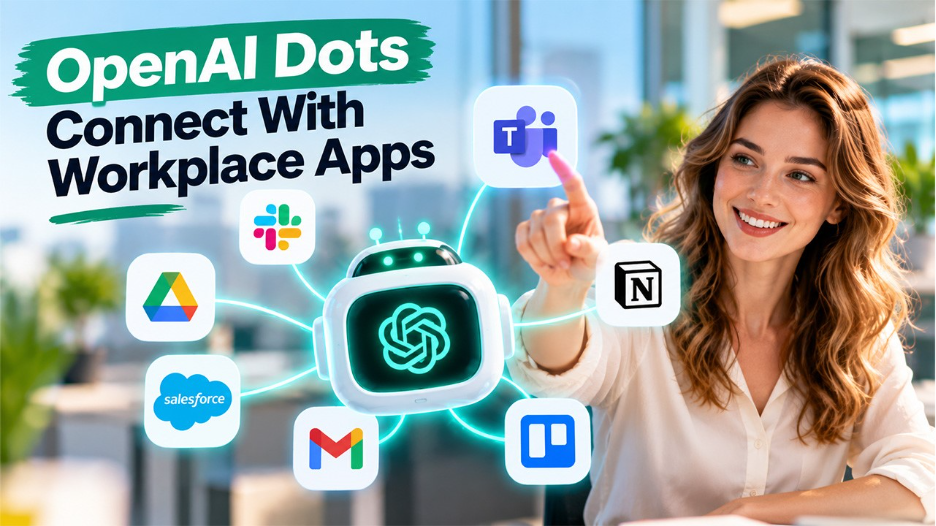
OpenAI designs Dots to work across the applications people already use. The agents can connect to more than 4,000 apps through OpenAI’s plugin ecosystem and can communicate through ChatGPT, Slack, and Microsoft Teams.
This means work can continue even when users move between different platforms. A Dot can carry the context of an ongoing project between ChatGPT and workplace communication tools instead of requiring users to explain the same task again. OpenAI also says Dots can handle several projects at the same time. Users can open an agent’s cloud computer to see what it is doing and, where supported, connect it to their own computer.
Proactive Work Becomes a Key Feature
One of the main differences between Dots and traditional AI assistants is their ability to work proactively. OpenAI calls this feature proactive research. When users are not actively working with a Dot, it can look for useful actions related to its assigned goals. During this type of background work, connected applications remain read-only, which prevents the agent from sending messages or changing information without permission.
OpenAI gives an example of an early tester whose Dot notices that the user forgets to invoice a publication. The agent prepares the invoice and waits for approval before sending it. The company also envisions multiple Dots working together in the future, potentially allowing users and organizations to assign different agents to different responsibilities.
OpenAI Adds Controls for Agent Actions
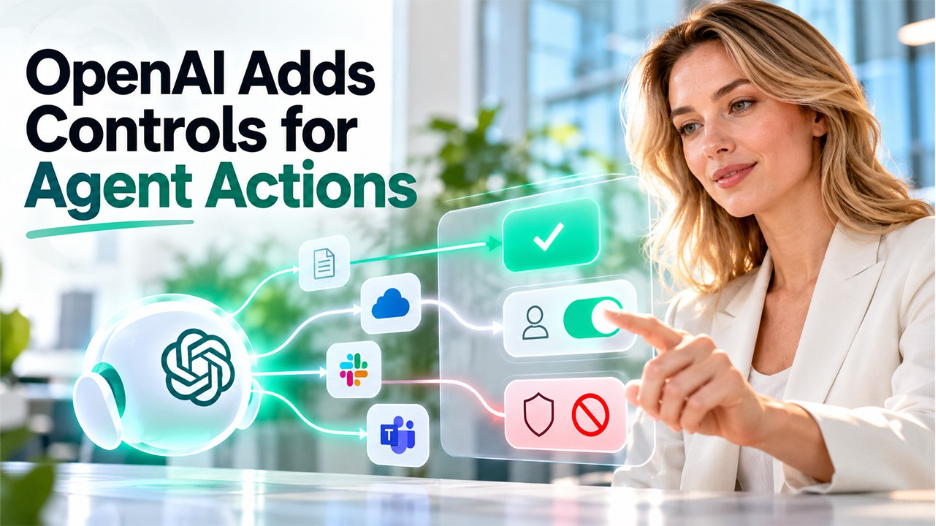
Because Dots can operate for longer periods and interact with external systems, OpenAI includes several controls around their actions. Users can create rules that determine which activities a Dot can perform independently and which ones require approval. An auto-review system checks certain actions that could affect accounts or share information. OpenAI also maintains monitoring systems that can pause or stop an agent when they detect a safety concern.
OpenAI notes that Dots can still make mistakes, so users need to review important or consequential work before relying on the results. For business workspaces, administrators can control access to Dots and manage capabilities such as cloud computer use, connected applications, Slack and Microsoft Teams access, and local computer access.
Specialist Dots Target Business Work
OpenAI is also previewing specialist Dots for organizations. These agents can receive their own identities, credentials, and access to company systems for specific responsibilities. The company says it tests specialist agents for tasks such as procurement and invoice processing. OpenAI starts with focused enterprise pilots, where teams define the responsibilities and boundaries of each AI agent. It also works with Microsoft on managing specialist Dots through Microsoft’s Agent 365 governance and security controls.
Dots begin rolling out to eligible ChatGPT Pro and Business Premium users, while Enterprise, Edu, and Healthcare customers can access a beta when their workspace administrator enables it. Availability varies by market and plan. With Dots, OpenAI shifts its AI assistant model from responding to individual prompts toward handling ongoing responsibilities. The launch of OpenAI Dots gives users a way to delegate longer-running work while keeping approval and control over important actions.