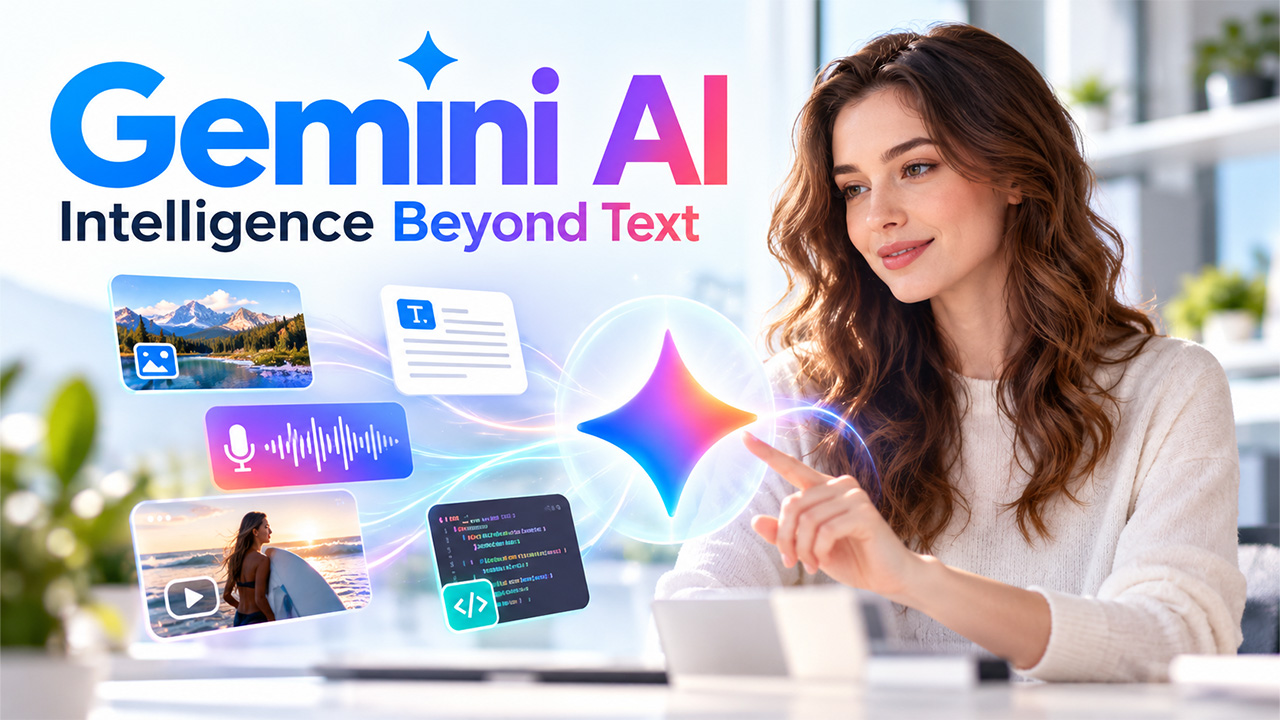
Developed by Google DeepMind, Gemini AI models have been made to process and create text, images, audio, video, and code. So far, Gemini is powering a number of services and tools like chat assistants, search, productivity tools, and developer tools, enjoyed by millions of people. However, what is the fuss about, and is this AI tool worth using? In this blog, we will delve into what you need to know about the Gemini AI model, including its features, uses, and limitations, all with the aim of helping you understand what this can do to help you in your work and life.
What Is Gemini AI?
Gemini is Google’s family of large language models, which has been trained to be multimodal. Usually, a model is trained first on text-only tasks and then fine-tuned to be multimodal; however, Gemini is trained from the get-go to be multimodal. That means you could see and understand an image, an Excel spreadsheet, and a natural language question simultaneously in one conversation. For a closer look at how Gemini works with visual and interactive AI experiences, see the Google Gemini Avatar Beta Tutorial.
They come in all shapes and sizes. Since bigger models can handle harder problems and more sophisticated tasks, and smaller models run quickly and locally on your phone, Gemini will be available everywhere, from cloud data centers to your own device.
Key Features That Set Gemini AI Apart
Gemini AI can perform many things. These features help people and organizations use it.
- Native Multimodality: Gemini can see and understand text, read images, listen to audio, and watch videos. Drag in a chart and ask it to describe the trend or paste in a screenshot of a bug and ask it to fix it.
- Deep Context: Gemini models have been engineered to process very large volumes of information. This is helpful if you want to digest lengthy documents, scan full pages, or assess large codebases.
- Improved Problem-Solving and Coding: With a raise, it can successfully create and debug code for many programming languages and break down complex multi-step problems.
- Live-data Access: Gemini is integrated with Google’s knowledge graph and has real-time access to data. This is a significant advantage for research compared to a model that only has access to knowledge up to the end of its training data.
How Businesses Use Gemini AI
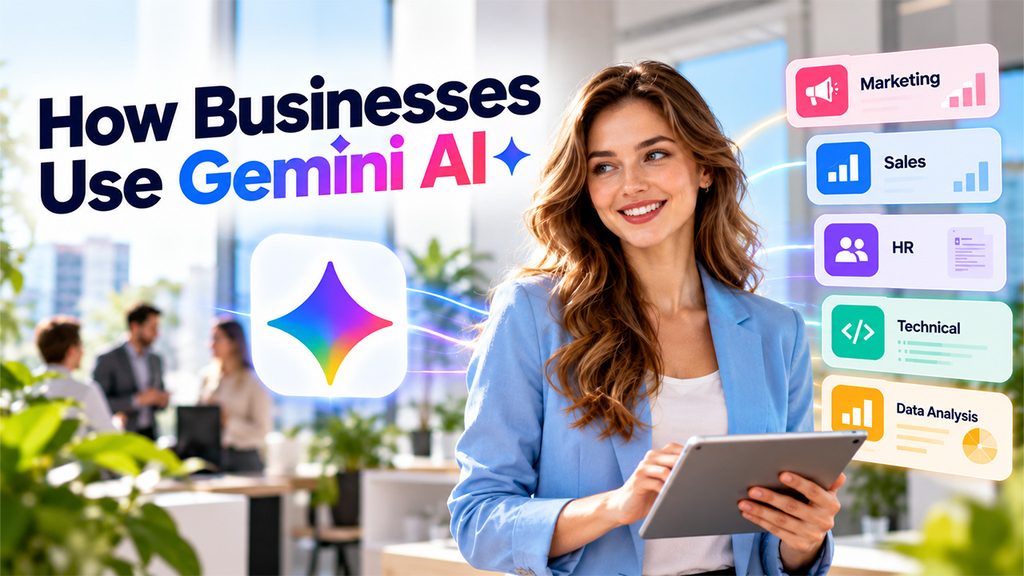
Organizations can leverage Gemini AI to assist various teams and daily operations. Its capabilities in data processing and content generation can help save time on mundane activities.
- It’s something marketers use to come up with campaign concepts, generate content outlines, create summaries of research, and produce various iterations of marketing copy. It’s also a sales tool that helps reps generate communication, create summaries, and organize sales materials.
- HR teams can utilize Gemini for drafting internal communications, writing a CV, summarizing text, and preparing training material. Technical teams can utilize Gemini for help with coding, documentation, troubleshooting, and technical research. These applications are part of the broader AI Business Solutions that help organizations improve productivity and automate routine operations.
- Companies can also use AI for analyzing large sets of data. Instead of manually having to go through all the content, employees can use Gemini to get a summary of all the relevant content and sort out the key points.
Nevertheless, human supervision is still required. Information from Gemini can be inaccurate, poorly reasoned, or outdated. Companies should view Gemini as an aid rather than an autonomous system for human decision-makers.
Gemini AI Across Google’s Ecosystem
A major Gemini strength is its ability to integrate seamlessly with existing tools. In Gmail, it can assist with drafting and providing summaries of emails. In Google Docs, it can create outlines, rephrase paragraphs, and modify the tone. In Sheets, it can sort and analyze data and clarify formulas. Google Search integrates Gemini-based capabilities for AI overviews of complex queries.
Gemini on Android can help you with daily life as a digital assistant, and developers can access the models through Google AI Studio and Google Cloud’s Vertex AI to create their own applications. This “ecosystem” approach means switching between platforms is rarely necessary. If you already do most of your work in Google’s apps, Gemini can be an extension of your existing workflow.
Conclusion
Gemini AI is still another giant leap in assistants capable of understanding the world the way humans do—text, images, sounds, and more. Its multimodal nature, more advanced reasoning, long contexts, and deep integration with Google tools make it a very handy tool for students, creators, developers, and workers. For creators exploring its visual capabilities, Top 9 Best Gemini AI Photo Prompts for 2026 can also provide useful inspiration for experimenting with AI-generated images. No, it’s not perfect, and we still need testing and verification, but its time-saving and creativity-boosting benefits are irrefutable. And, as it grows into its next iteration, it will probably become even more intelligent and omnipresent. Until then, try it out, get used to how good it is at what it does, and use it as an intelligent sidekick.
FAQs :
Is Gemini free to use?
Google has a free version that provides the basic function; paid plans also provide access to more powerful models and a higher usage cap. Pricing and plans change, so visit Google’s site for the latest info.
What does “multimodal” mean?
This indicates that the model can process and be applied to multiple forms of data, like text, images, sound, or video, rather than text by itself.
Can Gemini help with coding?
Yes. It has the ability to generate code, describe code, and learn from its errors. It can do this in a number of languages.
Is Gemini always accurate?
Not always. As with any AI system, it can sometimes give wrong answers, so always verify important information.