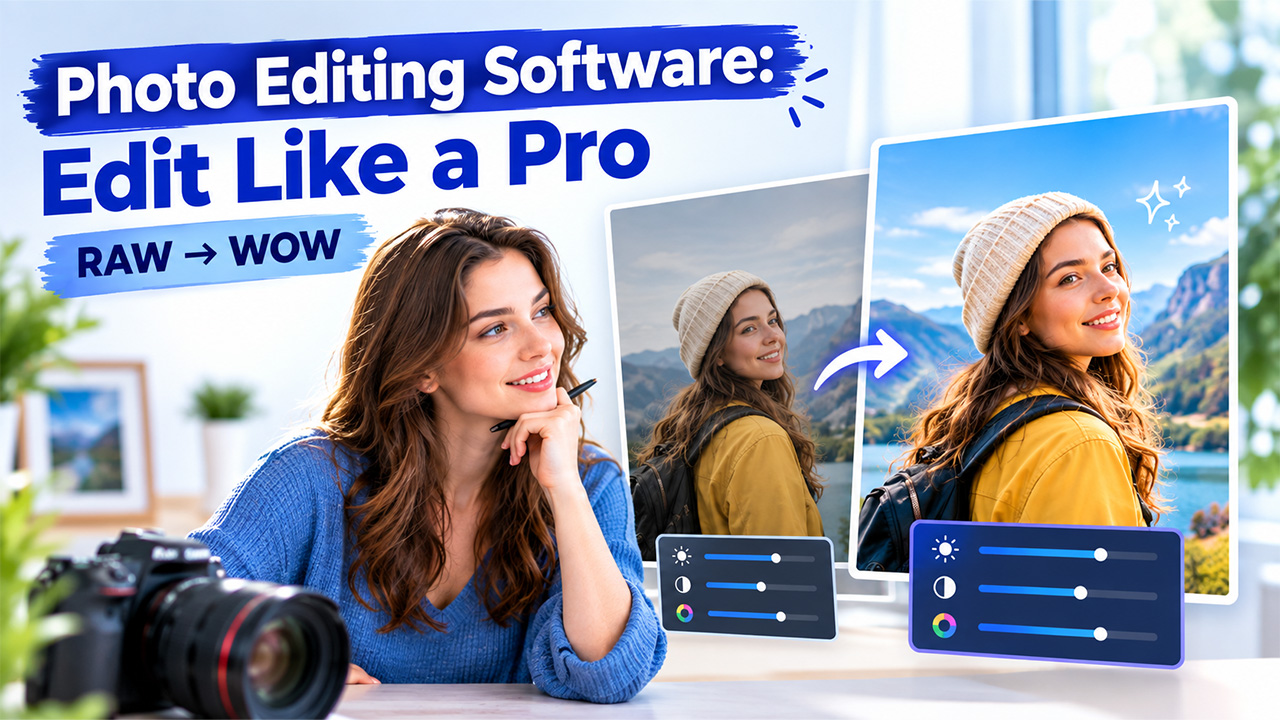
Digital images now exist at the center of online stores, blogs, marketing campaigns, and social media. However, raw photos are rarely come ready-to-publish. Dependable photo editing software aids in fixing exposure, eliminating distractions, and adjusting composition so that each image looks polished and consistent. From free browser-driven editors to professional-level desktop suits, the available choices are broad, and the right option relies on budget, skill level, and workflow. In this guide, let us cover what such platforms do, the features that are important, and how leading options compare.
What Is Photo Editing Software?
In straightforward terms, it is an application leveraged to improve, fix, and change digital images. It works with files from smartphones and cameras, and it ranges between standard tools that apply filters to sophisticated programs that provide support to masks, layers, and RAW processing. Editing is important since well-prepared and consistent visuals allow content to look professional and credible across each channel.
Key tasks are as follows:
- Adjusting contrast saturation, brightness, and warmth.
- Rotating, cropping, and resizing images for distinct platforms.
- Removing unwanted objects or backgrounds.
- Repairing imperfections and retouching portraits.
- Adding filters, text, and visual effects.
- Combining different images into composites or collages.
Such applications are often provided in three forms: browser-driven editors, desktop programs, and mobile apps. Desktop programs often provide a great level of control, while mobile and browser editors emphasize convenience and speed.
Important Features You Need to Focus On
The most dependable photo editing software balances simplicity and power. Such features need attention before any platform is chosen:
- Core Adjustments: sliders for contrast, exposure, warmth, saturation, and sharpening.
- Resizing and Cropping: Preset sizes and ratios for web, social media, and print.
- Non-destructive Editing: Modifications that leave the original file as it is.
- Masks and Layers: Controls for multi-image composites and edits.
- RAW Support: Critical for photographers who only shoot in RAW format.
- Cleanup and Background Removal: Platforms that erase distractions and isolate subjects.
- Batch Processing: Automation for applying edits across many images.
- AI-powered Tools: Features like auto-enhancement or generative fill that minimize manual work.
- Export Flexibility: Support for a few common formats like PNG, JPEG, and WebP.
AI assistance is becoming more and more common in editing apps. However, some projects need a fresh visual instead of a fixed one. For these cases, the AISuites AI Image generator generate visual using text prompts, without style choice and custom dimensions. Its listed use involves social media graphics, marketing creatives, blog visuals, and product mockups, which makes it a great companion to photo editing software when a suitable photograph does not exist.
Popular Tools for Photo Editing
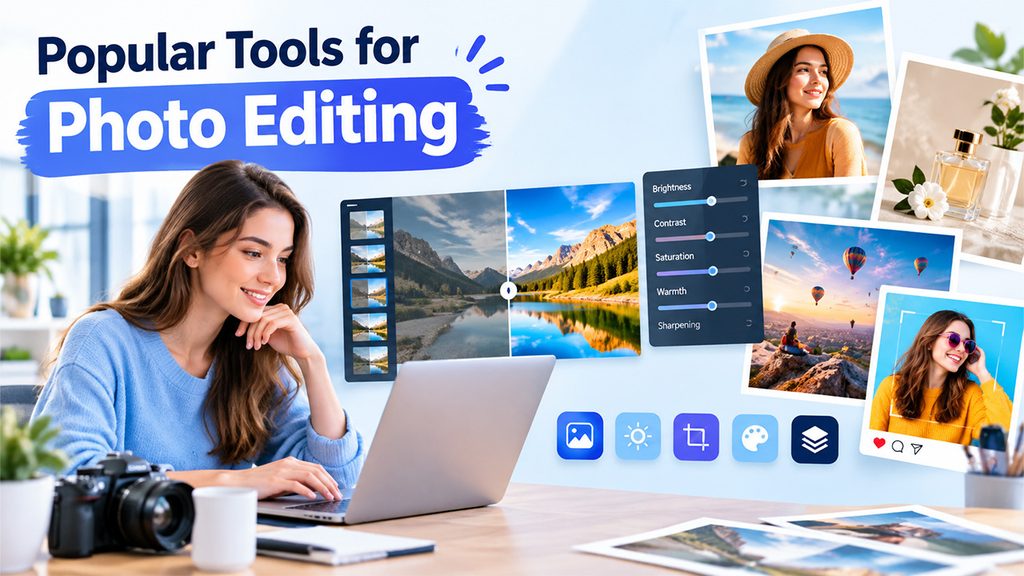
Numerous prominent tools for photo editing cater to distinct requirements, from professional workflows to quick edits in social media.
Adobe Photoshop and Lightroom
PCMag names Photoshop and Adobe Lightroom as Editors’ Choice winners in the photo editing software roundup. Lightroom is highly rated for corrections and photo workflow, while Photoshop is praised for modifying creative images. PCMag also notes that third-party plug-ins, including Nik Collection, DxO ViewPoint, and RNI All Films, can ensure adjustments and effects beyond the base programs. Together, they help professionals who handle large creative composites and photo libraries.
Adobe Express
Adobe Express gives you a free online editor that accepts JPEG, JPG, PNG, and WebP files under 40 MB. It contains filters, enhancement sliders for brightness, contrast, warmth, saturation, and sharpening, background remover, and blur effect. You can also resize the images for print and social media. Going for a free plan gets you core tools for photo editing, and mobile apps are also available. It is suitable for straightforward enhancements and quick social graphics.
Canva
Canva ensures a free photo editor for mobile and desktop that does not include a watermark. It involves Smart Crop, Auto-adjust, perspective correction, and sliders for color, light, and texture. It also accepts PSD files and provides thousands of templates for converting edited photos into completed designs. Magic Eraser and Background Remover are limited to Teams, Canva Pro, and Education Plans. It suits small teams and marketers who want to go from editing to design really fast.
Affinity is a popular and free photo editing software that integrates Vector, Pixel, and Layout studios in a single application for Windows and macOS. Its photo tools involve retouching, RAW development, HDR merging, macros, batch processing, unlimited layers, and non-destructive editing. Layered PSD files can be opened, and a Canva account is required. AI features are there, but they are only available with a premium Canva plan. It helps users who need professional-level and layered editing without any subscription.
Edited photos seldom stand alone. They generally appear in campaigns that also depend on video and AISuites AI Video generator help marketers create visually enriching campaigns.
How to Select the Right Platform?
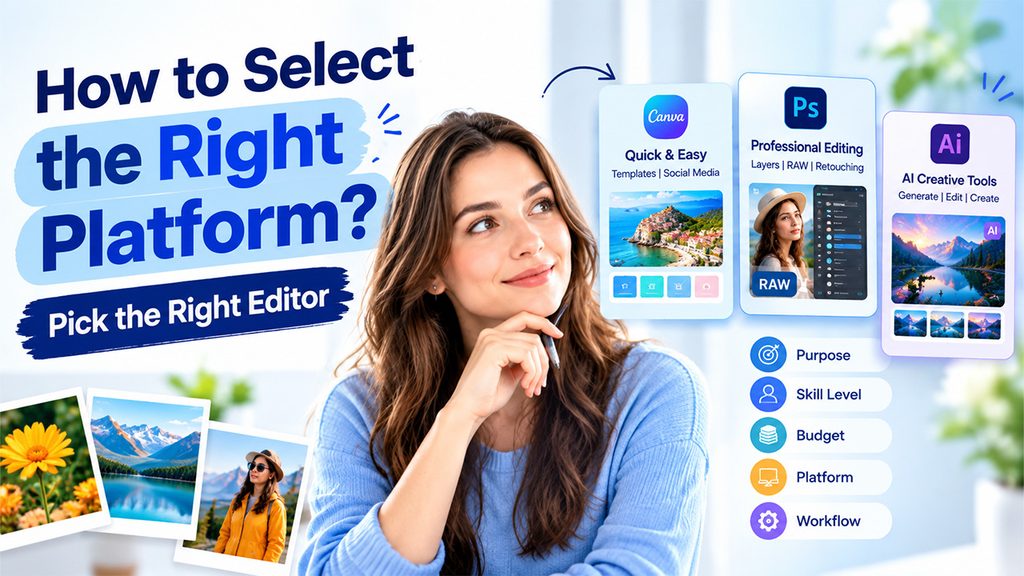
Choosing photo editing software becomes straightforward once needs are defined. You can consider the following:
- Purpose: Quick edits and social posts are often suitable for business tools like Canva or Adobe Express, while detailed RAW work or detailed retouching are suitable for programs like Lightroom, Affinity, or Photoshop.
- Skill level: Beginners typically benefit from template-based interfaces, whereas professional editors may require masks, layers, and curve controls.
- Budget: Canva, Adobe Express, and Affinity each give you free options, though a few need premium plans. Affinity emerges as a subscription-free alternative to Photoshop.
- Platform: This confirms availability on your device, since Affinity provides support to Windows and macOS, while Canva and Adobe Express provide mobile and browser access.
- Workflow: Look for templates, batch processing, and export formats that align with how your images are utilized.
There are key habits that enhance your results with any platform. Have an untouched copy of every original, apply a consistent style across a group of images, and export at the size suitable for the destination. Testing a few free versions of any photo editing software before you commit to a premium plan is also important.
Headlines, captions, and product descriptions often involve edited images. The AISuites AI Content tool aids in drafting articles, blogs, emails, and marketing copy, and its style and tone can be modified to align with the voice of the brand. Teams that handle written and visual content together may see that this decreases switching between individual platforms.
Limited budget and time can affect your purchasing decision. The best AI tools for small businesses are generally the ones that cover different tasks simultaneously, such as image creation, video generation, and copywriting, without requiring design or technical skills. AISuites is purpose-built for marketers, creators, teams, and founders, and it brings image generation, chat, and video generation together under the same login.
Conclusion
The best photo editing software relies on how images will be utilized, how much control you need, and what your budget is. Photoshop and Adobe Lightroom remain great professional choices as per PCMag, while Canva, Adobe Express, and Affinity provide great free routes for fast edits and professional work. Comparing platforms, features, and pricing before choosing aids you in making the right choice for both future growth and current projects.
Frequently Asked Questions
What is the use of photo editing software?
It is utilized to improve and fix digital images, adjust color, exposure, and composition, remove undesired elements, and optimize photos for platforms such as social media, websites, or print.
Is there reliable free photo editing software available?
Yes. Adobe Express, Canva, and Affinity all provide free versions with a great range of tools such as color adjustments, cropping, and background removal, though a few sophisticated features need a premium plan.
What characteristics a user needs to look for in a photo editor?
Important features include RAW support, non-destructive editing, batch processing, background removal, masks and layers, and flexible formats such as JPEG, PNG, and WebP.
How is Photoshop distinct from Adobe Express or Canva?
Lightroom and Photoshop are created for detailed and professional-level editing and big photo libraries, while Adobe Express and Canva emphasize fast and template-based edited well-suited for small teams and marketers.
What if I require an image but do not have a suitable photo to make changes?
In such a case, an AI image generator can generate visuals using text prompts, useful for blog visuals, marketing creatives, and social graphics when no available photographs fits the requirement.