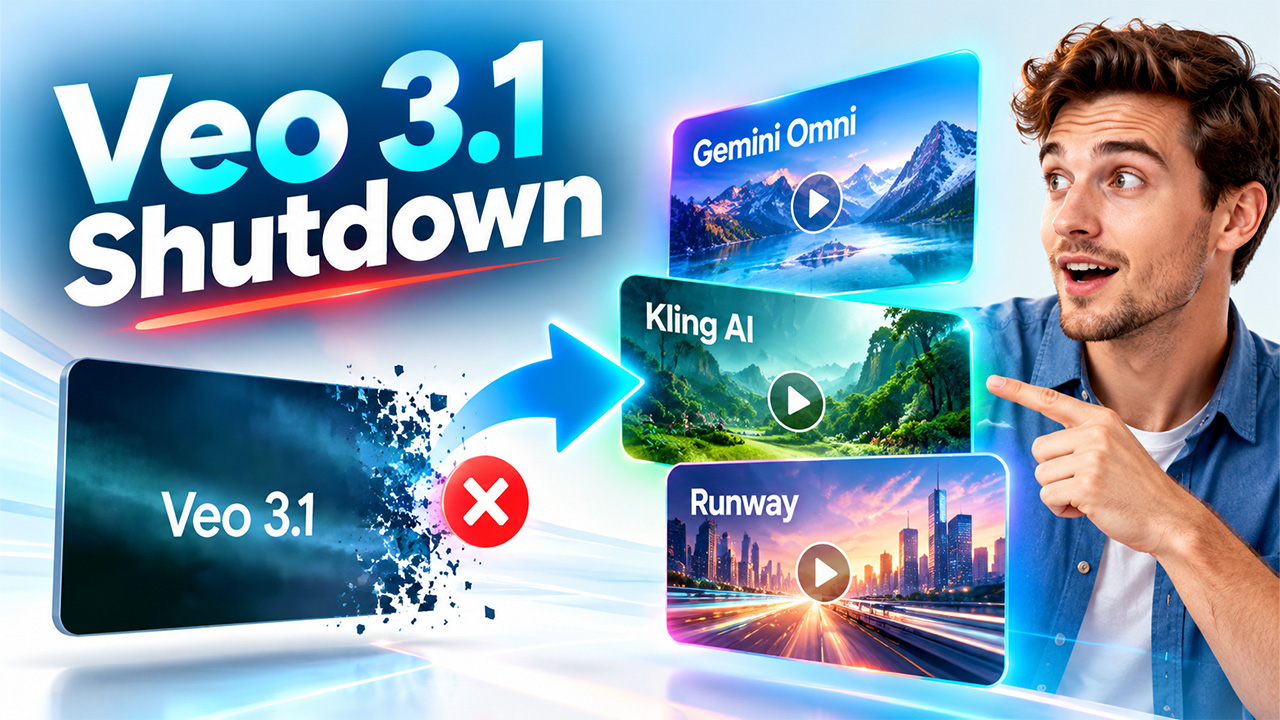
The Veo 3.1 shutdown takes effect today, 22 October 2026, as Google turns off all three preview models on the Gemini API. The affected model IDs are veo-3.1-generate-preview (Standard), veo-3.1-fast-generate-preview (Fast), and veo-3.1-lite-generate-preview (Lite). Google has named Gemini Omni 1.1 Flash as the replacement. Any app or pipeline still calling the old IDs will begin returning errors.
The Veo 3.1 shutdown takes effect today, 22 October 2026, as Google turns off all three preview models on the Gemini API. The affected model IDs are veo-3.1-generate-preview (standard), veo-3.1-fast-generate-preview (Fast), and veo-3.1-lite-generate.
What Stopped Working in the Veo 3.1 Shutdown
Standard and Fast reached the Gemini API on 15 October 2025, and Lite followed on 31 March 2026. All three launched as previews, a status that never came with a long-term guarantee. Google’s deprecations page lists 22 October as the shutdown date for every tier, so the Veo 3.1 shutdown has no staggered rollout to lean on.
Developers who call these IDs directly will need to change their code. Anyone generating clips through a third-party app should find out which model sits underneath it, since some tools will break while others may switch backends without saying so. The consumer Gemini app is a separate product and may keep offering video generation.
Teams running Veo on Google Cloud are in a different position. The Vertex AI production -001 models reportedly sit on a later retirement schedule, and no shutdown date has been announced. That detail comes from secondary reporting, so check Google Cloud’s own documentation before relying on it.
What Gemini Omni 1.1 Flash Offers After the Veo 3.1 Shutdown
Omni 1.1 Flash is Google’s answer to the Veo 3.1 shutdown. It is generally available on the Gemini API and is built for fast video generation and conversational editing. It produces clips of 3 to 10 seconds with native audio from text or image prompts, edits short uploaded videos, interpolates between a first and last frame, and extends scenes to a cumulative 40 seconds. Scene extension is the main capability the Veo 3.1 previews did not have.
Output comes in 16:9 or 9:16 at 360p, 720p, 1080p, or 4K. Google says the 1080p and 4K options are upscaled rather than natively generated. The default is 720p at 24 frames per second. Google also offers 360p drafts that it says run up to 60% faster and cost one-third as much as standard 720p, which gives teams a cheap way to test motion and pacing before upscaling a chosen take.
Pricing Moves to a Per-Token Model

The biggest change for anyone migrating after the Veo 3.1 shutdown is how billing works. The old Veo tiers charged fixed rates by tier. Omni 1.1 Flash charges by token: $1.50 per million input tokens for text, image, video, or audio, $9 per million text output tokens including thinking, and $17.50 per million video output tokens.
One second of 720p video uses 5,792 output tokens, which comes to roughly $0.10. At the other resolutions, the effective rates are about $0.03 per second at 360p, $0.15 at 1080p, and $0.30 at 4K. A 10-second 720p clip therefore costs around $1 before input charges, which add to the total when prompts, reference images, or uploaded video are involved.
There is no free API tier for the model, so the first clip a developer generates is billed. Teams used to fixed-price tiers should rebuild their budgets from scratch instead of assuming a like-for-like swap.
Kling and Runway as Veo 3.1 Alternatives
Google’s pick is not the only option. Kling 1.6 and Runway Gen-4 both offer API access, and each leans toward a different kind of work.
Kling AI is generally pitched at cinematic camera motion and character consistency across generations, with clips up to 10 seconds at 1080p and camera parameters such as pan, tilt, zoom, and roll. Runway is positioned around visual fidelity and fine control, with 5- and 10-second clips, image-to-video and video-to-video modes, and tools such as motion brush and director mode. Runway uses credit-based pricing, and Kling’s per-clip rates are set by the vendor.
| Feature | Gemini Omni 1.1 Flash | Kling 1.6 | Runway Gen-4 |
| Max Length Per Call | 10s (extendable to 40s) | 10s | 10s |
| Native Resolution | 720p (1080p and 4K upscaled) | 1080p | Up to 4K |
| Aspect Ratios | 16:9, 9:16 | 16:9, 9:16, 1:1 | 16:9, 9:16, custom |
| Native Audio | Yes | Yes | No |
| Draft Mode | Yes (360p, about $0.03/s) | No | No |
| Control Tools | First and last frame interpolation | Pan, tilt, zoom, roll | Motion brush, director mode |
| Pricing | About $0.10/s at 720p | Per clip | Credit-based |
| Free Tier | None | Limited credits | Limited credits |
The Kling and Runway details above were not checked against vendor documentation, so confirm current specifications and pricing with each company before committing to either.
What Should Teams Do Now?
Developers should search their code and configuration for any of the three retired model IDs and replace them. Because Omni 1.1 Flash is a different model family, outputs, pricing, and behavior will not match Veo 3.1, so test it on real prompts before switching production traffic. The 360p draft tier is a low-cost way to run that comparison. Those still weighing their choices can review the best AI video generators available in 2026 to see how other tools stack up on length, resolution, and cost.
Teams that depend on Veo specifically can look at the Vertex AI production models, while those who want to avoid another forced migration may prefer to run the same prompt through Omni, Kling, and Runway and keep their workflow flexible.
Conclusion: Preparing for the Veo 3.1 Shutdown
The Veo 3.1 shutdown is a reminder that preview endpoints can disappear on short notice, and production work should not depend on one. Developers should replace the retired model IDs, test Gemini Omni 1.1 Flash on real prompts, and rebuild their budgets around per-token pricing. Teams that want more flexibility can compare Kling and Runway alongside Omni before choosing a long-term setup. Acting on the Veo 3.1 shutdown today, rather than after requests start failing, keeps pipelines running and avoids a rushed migration.