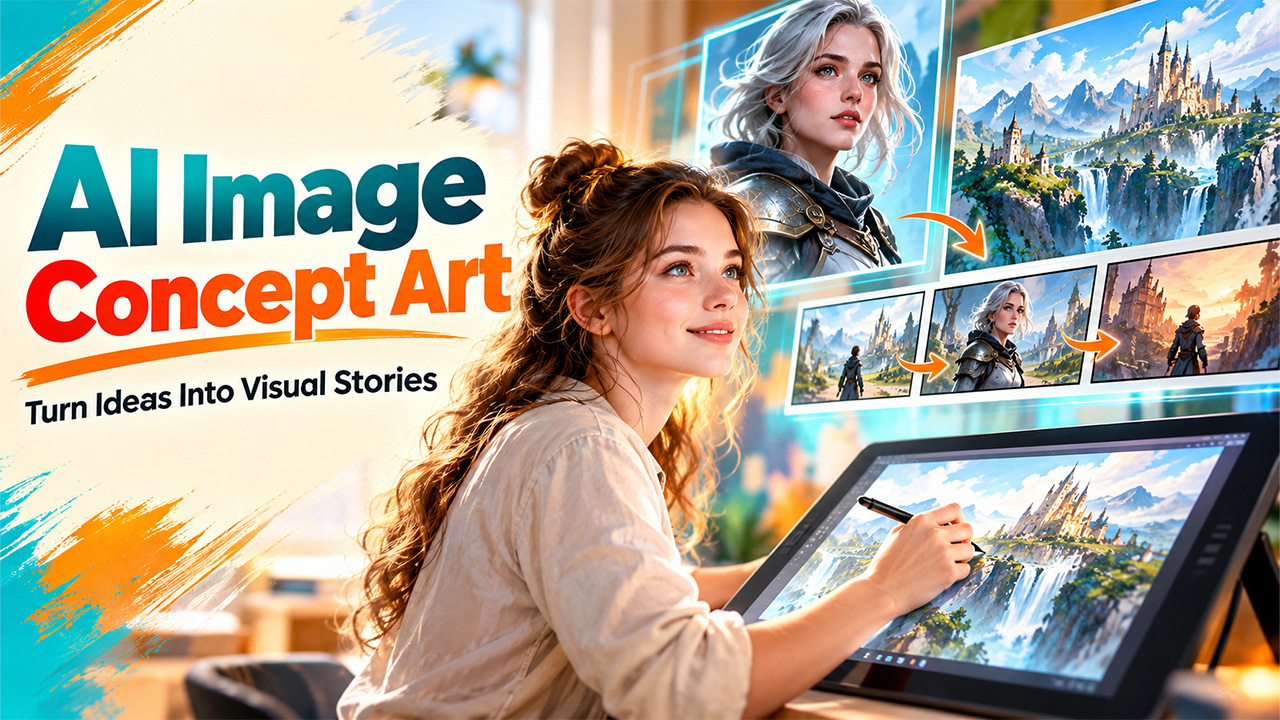
Designing artwork for games, movies, animation, and marketing can be time-consuming. Artists often sketch up concepts, try out various art styles, and work through scenes before they create the finished artwork. AI tools accelerate this process by transforming a text prompt into an image and helping the creator try out different ideas. AI image concept art is useful for beginners who want to experiment with characters, environments, objects, and story scenes without needing drawing skills and for experienced professionals to plan out ideas before putting in the required effort. An understanding of how these tools function, where they fit into the creative process, and what limitations they have can help creators make more effective use of AI.
What Is AI Image Concept Art?
AI image concept art is the term given to images that are generated by computers from a text prompt, image prompt, or other input. Rather than drawing and hand-painting each item on a concept, an artist describes the subject, environment, mood, lighting, and artistic style that is needed to a computer model. The computer then generates several options based on the image qualities defined by the designer. If you need help writing stronger prompts, FlowGPT AI is a useful place to explore prompt ideas.
AI image concept art supports several creative applications, including:
- Game Designing: Design characters, weapons, landscapes, and game environments.
- Film and Animation: Brainstorming scene ideas, costumes, props, and visual tones.
- Book Illustration: Use AI illustration to create visual representations of imaginary worlds and creatures.
- Advertising: For creating campaign ideas, product images, and advertising content, test creative concepts.
These visual sets are always the inspiration instead of the completed asset. Artists improve the results, remove visual flaws, and customize the selected concepts.
How Does AI Image Concept Art Work?
The majority of AI image generators are based on machine learning models that have been trained on vast datasets of images and text. They understand the connection between visual features and words, helping them to create images from a written prompt.
The process generally follows four steps.
- Create a Prompt: Explain what you are submitting in a prompt, including location, lighting, mood, composition, and style. Providing a specific prompt may give more information than a very general solicitation.
- Input prompts. Use the AI to create images. It produces a single image or multiple ones depending on what you ask for and the capacity of the model.
- Check the Output and Art: Review the results and determine which image most aligns with the outcome you’re working toward. Look for details like perspective, colors, and the placement of objects.
- Rewrite the Prompt: Edit the prompt, add references, or make changes to the output for better results.
All AI concept art generators require input prompts. You can generate varying versions of an idea without having to create each from a blank slate, but the output determined by the prompts used, the complexity the model allows users to exercise, as well as the model’s ability to generate accurate or abstracted visual directions.
How to Create Storyboards With AI
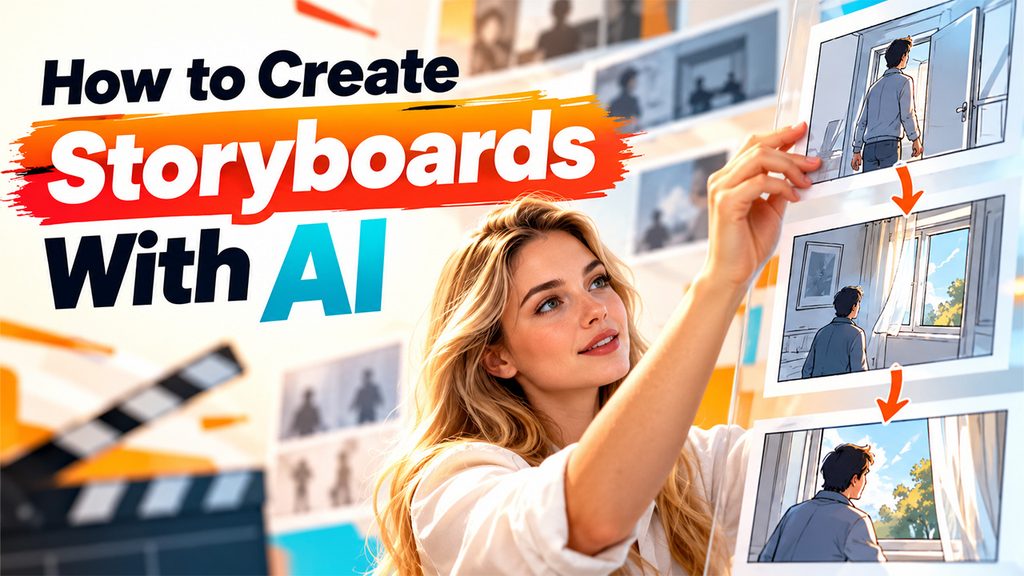
Storyboarding is the process of visualizing a story by using panels of imagery. Writers, animators, video editors, and game designers often use storyboards to plot out everything from scene work to camera placement to character movement and transitions. An AI storyboard generator can help visualize a scene-by-scene recap before any filming or animation happens.
Please follow these steps to make a simple storyboard.
- Describe Story: Provide a brief summary of the scene, describing the major characters, the setting, and the purpose.
- Divide the Scene into Shots: Break down the action into separate shots. For instance, a character walks into a room, sees that the window is open, and moves to it.
- Create and Order the Images: For each shot, draw an image and place it in order. Add some dialogue or captions if necessary.
- Ensure Fluidity: Look over the panels to verify that the characters, costume, setting, and pertinent objects are all consistent in the sequence.
For example, a storyboard generated with AI can provide the general direction of a scene, but not the exact camera move or timing; if you use it as a reference for production, review and edit manually.
Top Tips for Improving AI-Generated Concepts
The better the creator describes their idea, the better the output of the AI image. Here are a few tips that help you get better results and avoid unnecessary compositions. Name the subject, the setting, the composition, lighting, mood, and the visual style. Do not bring in side elements that take away from the main idea.
- Be Consistent Visually: Use the same character descriptions, color palette, and style references when creating a series of images. Some software also provides reference image or character consistency features.
- Create Versions: Develop several designs for key shots or moments. By comparing different arrangements, you can discover your best ideas before fully fleshing them out.
- Use AI and Eye Up: AI get you useful beginnings, but humans still need to oversee. Correct anatomy, perspective, textures, and other elements that look out of place.
- Have the Purpose in Mind: A rough environment illustration has a different detail level than a final marketing one. Align the input and output quality to what the project really needs.
Visual storytelling AI can also help creators in experiments with mood, composition, and how scenes unfold. Still, it performs best with human input to determine the story’s goal and whether each shot conveys it.
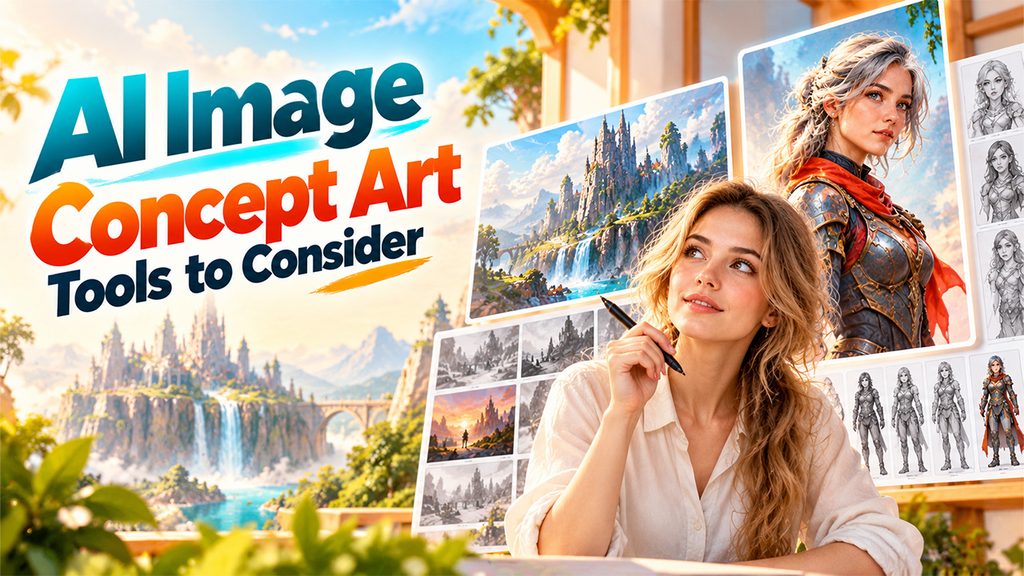
AI Image Concept Art Tools to Consider
Dereferencing rules around copyright, licensing, commercial use, and privacy must be considered as well. Always refer to the tool in terms of use before uploading the resulting images to a client’s project, game, ad, or other commercial material. Never upload sensitive reference sources unless the platform’s data policy allows it.
Introductory users have some options to browse different tools according to their needs:
- Midjourney: Helpful for experimenting with styled imagery, worlds, and creative ideas.
- Adobe Firefly: Provides image-generation and editing capabilities for creative projects.
- ChatGPT Image Creation: Assists users in creating visual ideas by using natural-language descriptions and successive refinements.
- Storyboarding: Aids in laying out scenes in cards and keeping visual sequences organized.
- Pollo AI: Pollo helps visual content creators generate AI images and video content.
Before making a decision to use it for production, try a quick test with a small project. For character-oriented projects, character concept art AI can be used for trying out costumes, expressions, poses, and character design, but creators should verify if these align with the artistic and technical specifications of their project.
Conclusion
AI image concept art gives beginners a practical way to explore visual ideas without needing advanced drawing skills. It supports early design work, helps creators compare different styles, and speeds up storyboard development for films, games, animations, and marketing projects. The most effective approach combines clear prompts, repeated experimentation, and careful human review. AI tools can generate useful starting points, but they do not replace creative judgment, visual planning, or detailed editing. Start with a small concept, test a few prompts, and refine the strongest results. With practice, you can build a more consistent workflow and turn rough ideas into clear visual references.
Frequently Asked Questions (FAQs)
-
What is AI image concept art used for?
It helps creators develop visual ideas for characters, environments, products, films, games, and advertising before producing final assets.
-
Can beginners create concept art with AI?
Yes. Beginners can describe ideas in text without drawing skills. Writing clear prompts and reviewing outputs improves results.
-
Can AI generate an entire storyboard?
AI can generate storyboard panels from scene descriptions, but users often need to arrange panels and fix inconsistencies manually.
-
Is AI concept art safe for commercial use?
It depends on the tool’s license, usage terms, and laws. Check copyright and trademark concerns before publishing.