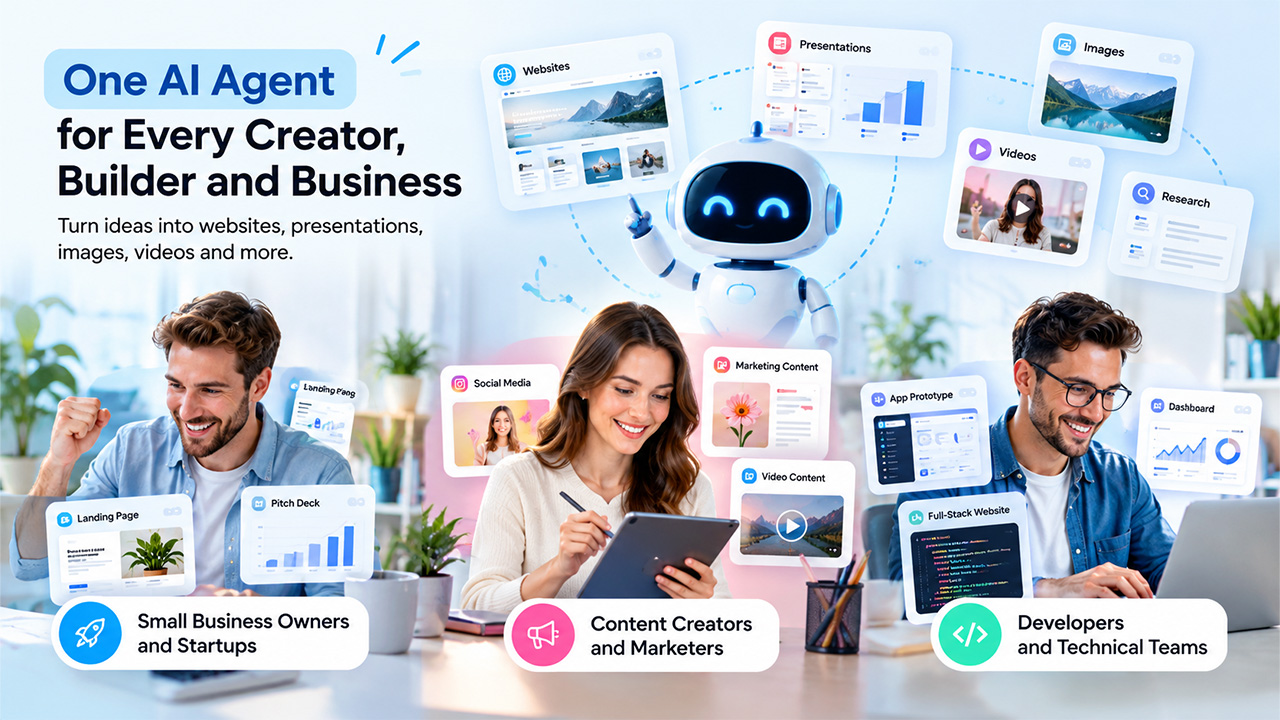
Different applications are used by businesses and individuals for the creation of websites, making presentations, generating images, and conducting the research. The process is lengthy, requiring significant time and effort. Runable AI streamlines the tasks as it provides the user workspace to implement their ideas. This platform provides an opportunity to create websites, write materials, conduct research, prepare presentations and videos, and more. Its main competitor does not have the same approach of solving user questions as its counterparts; it allows the user to develop their deliverables.
Meaning of Runable AI
Runable AI is an all-in-one agent that assists you in converting your thoughts and directions into digital projects. It provides you with the tools for creating websites, presentations, images, videos, and research on an online platform. Runable 2.0 also has a new plan-first mode that requires you to answer a set of questions and allows you to view the preview of the product which needs to be built.
The software is created in such a way to combine a lot of artificial intelligence (AI) models and tools, which eliminates the need for having a number of applications for doing more or less the same thing on the same platform. But, while using it you need to be 100% sure that the output is correct and meets the required standards.
Key Features of Runable AI
The Runable AI platform combines different content creation, design, research, and website building tools, which target various stages of an assigned project. Its key features include:
- AI Website and App Development: The application asks you to describe the website and app you want it to produce. It lets you create full-stack websites, which include database access, file storage, Stripe payments, domains, and analytics. This way, you can build functional sites without having to design every component from scratch.
- Presentation and Document Creation: Runable lets you generate presentations, reports, research, and executive summaries. Here, you can edit your slide content, layout, and design before downloading your presentation in PDF or PPTX formats. It can help you prepare a variety of business proposals and reports faster.
- Image and Video Generation: You can use the tool to design and edit your images and videos. Additionally, it offers canvas mode, which combines these two design elements to provide you with a single workspace. This way, you can minimize the use of multiple graphic design applications when working on your projects. If you’re specifically finding an AI tool for video related-work, then Kling AI video generator is the best choice.
- Research and Associated Tools: This platform also lets you conduct your research, analyze data, and summarize your findings. Moreover, you can access more than 3,000 plugins and integrations as well as ready-made scripts, which Runable AI claims it has been designed to help you achieve better coordination of your projects that involve multiple applications.
Runable AI Pricing and Offers
Runable has free and premium plans for users who require higher output. According to the company’s pricing page, the subscription options mainly differ in the number of monthly credits and the scope of projects that a person can manage. Additionally, the company highlights its website building, creative tools, research, and other core features in its different plans. Below are the details of the different subscription options:
| Plan | Monthly price | Monthly credits |
| Free | $0 | Starter allowance; 1,500 daily credits advertised |
| Pro | $20 | 25,000 |
| Max | $100 | 150,000 |
Who Should Actually Use Runable AI?
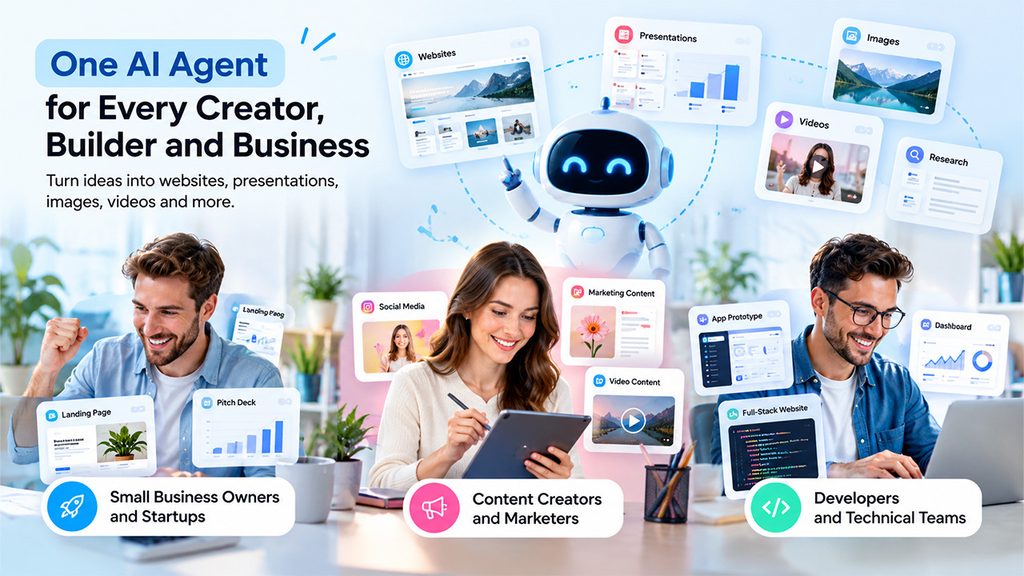
Runable can benefit people who need to create, build websites, and manage multiple tasks without having to use multiple applications. Some of the main beneficiaries of the Runable application include
Small Business Owners and Startups
Startups can use Runable to experiment with landing page building, early-stage product design, and pitching materials. For instance, a new business owner can use this application to develop a prototype of the website of his or her proposed project.
Content Creators and Marketers
This application can help a marketer develop visual materials for his or her social media accounts. It can also assist in creating presentation material, including video content for supporting research. A freelancer can use it to design a proposal for a project, marketing-related materials, and website drafts. Additionally, it is important that he or she reviews every delivered piece of content to ensure consistency of brand and accuracy of the material.
Developers and Technical Teams
A developer can use Runable AI to create prototypes of his or her applications, dashboards, and full-stack websites with databases. However, note that building actual production requires a comprehensive code review, rigorous testing, security audits, and maintenance.
What Are the Benefits of Runable AI?
Runable is a beneficial application for people who need to combine different aspects of research, content creation, and design. It offers several advantages to its users, including;
- Saves Time on Repetitive Tasks: You can use it to generate your first website, presentation, and other graphic materials from a given brief, instead of designing each piece of content from scratch. Instead, you can spend more time editing your instructions and reviewing your deliverables.
- Reduces Tool Switching: Runable AI combines multiple design and presentation activities in one workspace. As a result, you can conduct your research, create graphics, and prepare a presentation without constantly switching between different file types and applications.
- Makes Website Creation More Accessible: You can provide the application with a brief description of your website and start using this draft before you have developed your coding skills. Besides, the option of integrating analytics, databases, and domain names lets you build more complex websites. Another AI tool you can explore is Flexbe AI for website generation.
- Supports Faster Experimentation: You can also edit your instructions and analyze different versions of your deliverables to determine the best option to pursue. As a result, you can experiment with website landing pages, presentation designs, and other elements of your projects.
Conclusion
Runable AI provides you with an accessible workspace where you can develop your website, prepare presentation material, create graphic content, and conduct research. Its plan-first mode, tools for editing, accessibility for non-coding users, and multiple subscription options benefit content creators, small business owners, developers, and other entities that need to experiment with their project before scaling up. The free plan helps you analyze its basic features, while the Pro and Max plans benefit people or companies that need more credits. However, the choice of the most appropriate plan depends on your financial capabilities and expected use of the application. Try it out with a certain task, review the final deliverable, and see how this tool can benefit you.
FAQs
Is Runable AI available at no cost?
Yes. It has a free tier with daily credits and multiple creation options. Upgrades are available if you need more usage.
Can Runable AI build a complete website?
Yes. It offers websites and full-stack apps with database, Stripe payments, analytics, and custom domains. Production websites need to be thoroughly tested and secured as well.
What is the Cost of Runable AI?
Currently advertised plans are: Free at $0, Pro at $20/month and Max at $100/month. This may be subject to change based on current billing plans and credit limits. Please refer to the pricing page.
Can Runable AI work for beginners?
Yes. You can generate websites, slideshows, and visual content with natural-language prompts if you’re a beginner.